Required components
1. Robot controller
2. Handheld programmer, KUKA smartPAD-2
3. Connection cable for smartPAD
4. Robot arm
5. Connection cable for motor
6. Connection cable / data cable
Controller overview
The robot controller can be used to control the following systems:
- KUKA industrial robots
The controller consists of the following components:
- Control unit
- Power unit
- Safety logic
- Handheld programmer smartPAD
- Wiring panel
Component labels
1 Control unit (control cabinet)
2 Power unit (drive unit cabinet)
1 mini CSP
2 S/SD (option)
3 Coin cell holder
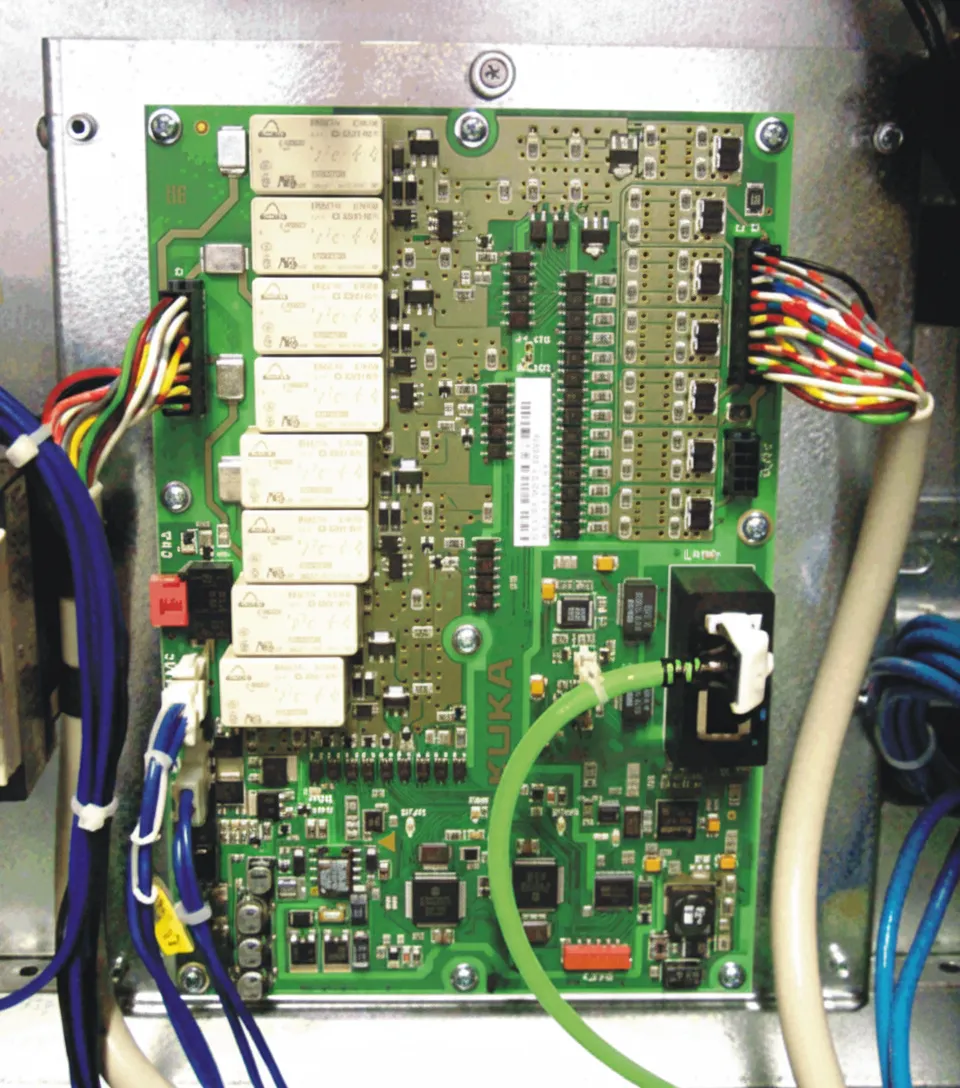
4 SYBpe rf system board
5 IFBstd interface board (option)
6 IFBsafeext interface board (option)
7 IFBsafe interface board (option)
8 Internal fan
9 Control unit support plate
Replacing the SSD
KR C5 external SSD, 60 GB
Shut down the robot controller
Switch off the main switch on the control cabinet and take measures to prevent unauthorized re-energization. Confirm that the robot controller is powered down.
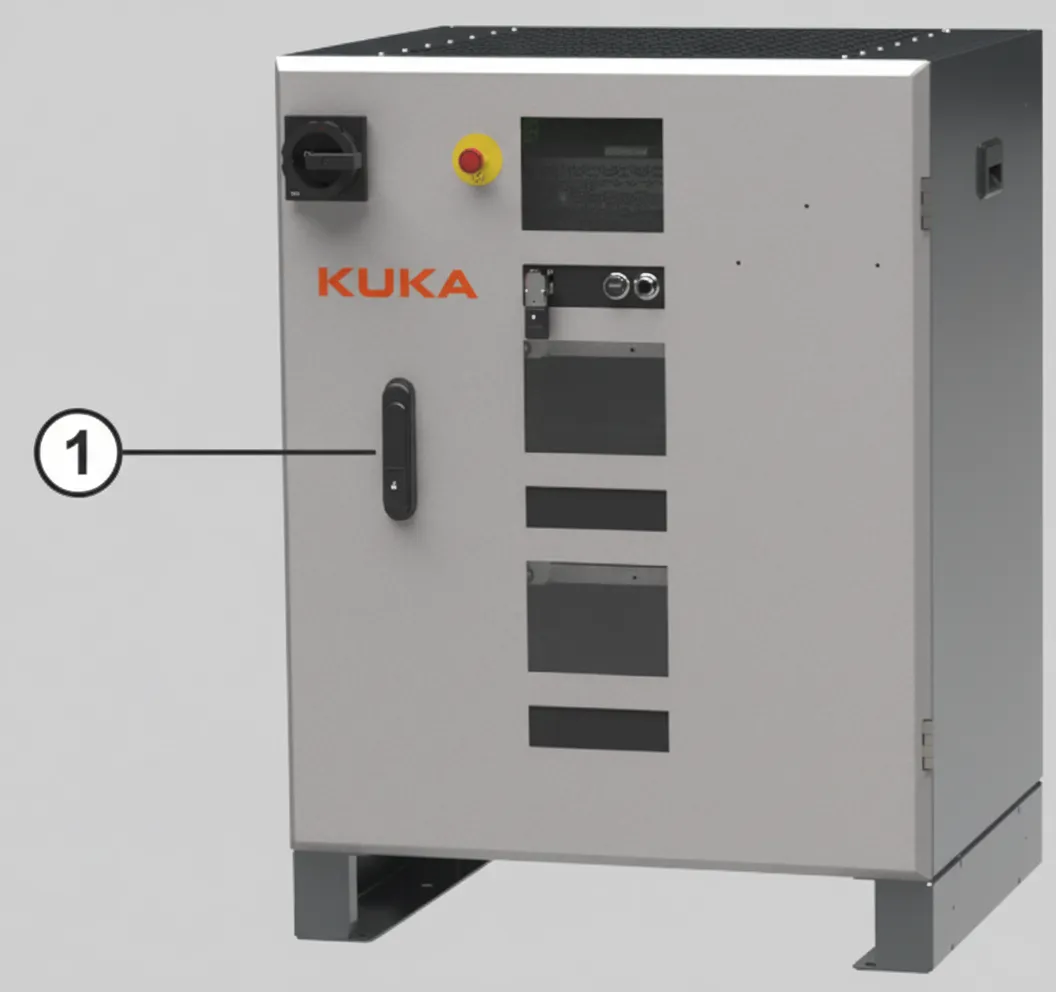
Open the front door
1. Unlock the door lock and open the front door.
Remove the SSD
1. Release the drawer cover lock and open the cover.
Open the SSD slot:
1. Latching mechanism
2. Cover plate
2. Open the cover fully. Ensure you can access the SSD slot.
3. Pull out the SSD drive.