Introduction
This article continues the discussion of what a firewall is and explains basic firewall principles, focusing on security zones, security policies, the session table, and server-map.
Security Zones
1. What is a security zone
A security zone is an important concept in firewalls. A firewall can assign different interfaces to different security zones. A security zone is essentially a collection of interfaces that share the same security attributes.
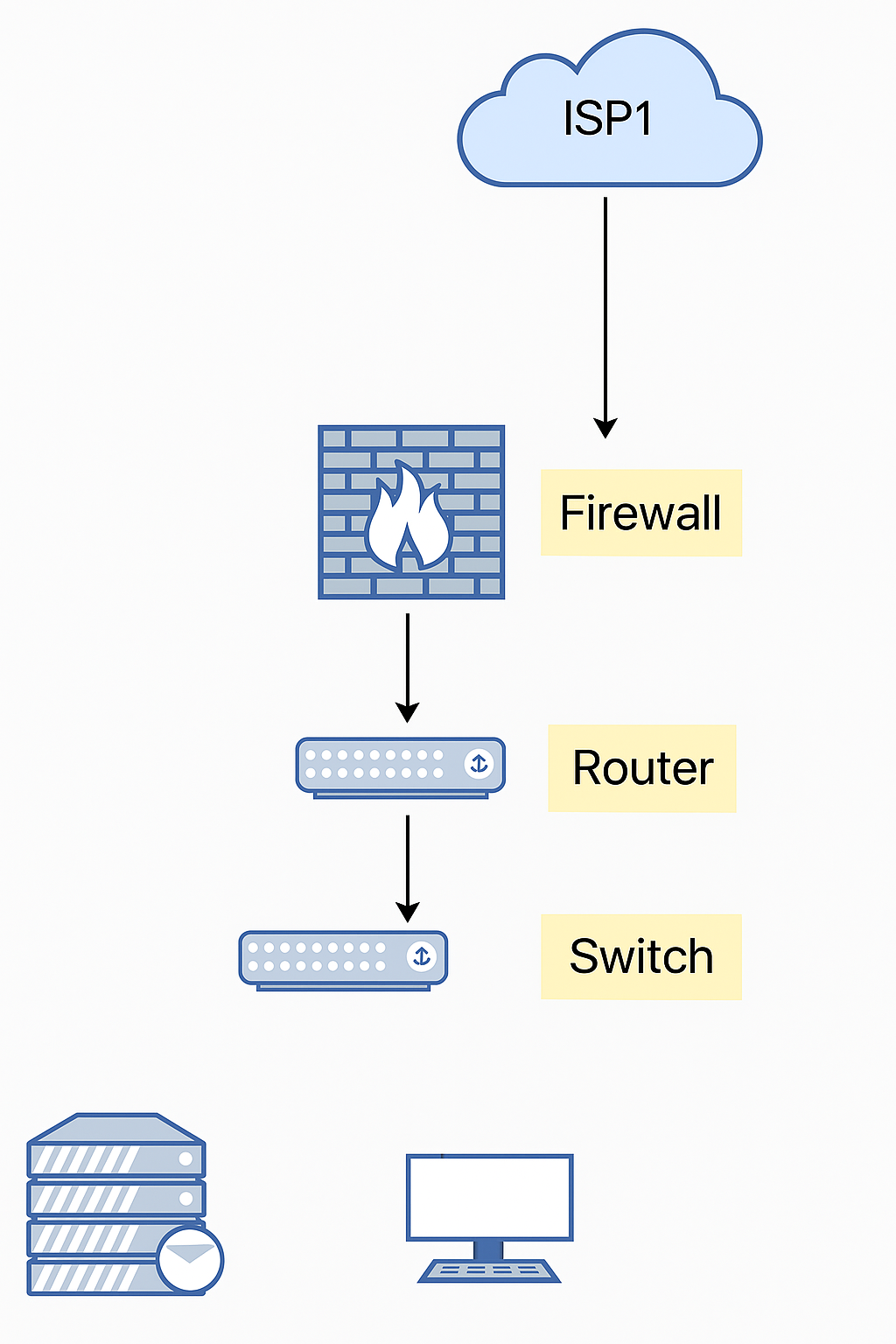
As shown in the figure below, the firewall divides interfaces into three security zones: the external zone is the untrust zone, and the internal network is divided into the trust and DMZ zones.
2. Default security zones
Huawei firewalls define four default security zones:
(1) Trust: the zone where internal network endpoints are placed.
(2) Untrust: typically used for the Internet or other untrusted networks.
(3) DMZ: typically used for internal servers.
(4) Local: the device itself, including the device interfaces. Packets actively sent by the device are considered to originate from the local zone. Packets that the device must respond to or process are considered to be received by the local zone.
3. Default zone priorities
Default security zones cannot be deleted and each has a fixed priority. A larger priority value indicates higher priority. Users can also create additional security zones as needed.

4. Example of communication between different security zones
As shown in the figure, PC connects to the firewall on G0/0/1, which is assigned to the trust zone. The service provider network connects to G0/0/2, which is assigned to the untrust zone. Whether the PC can access the Internet depends on the firewall security policy.
Security Policies
1. What is a security policy
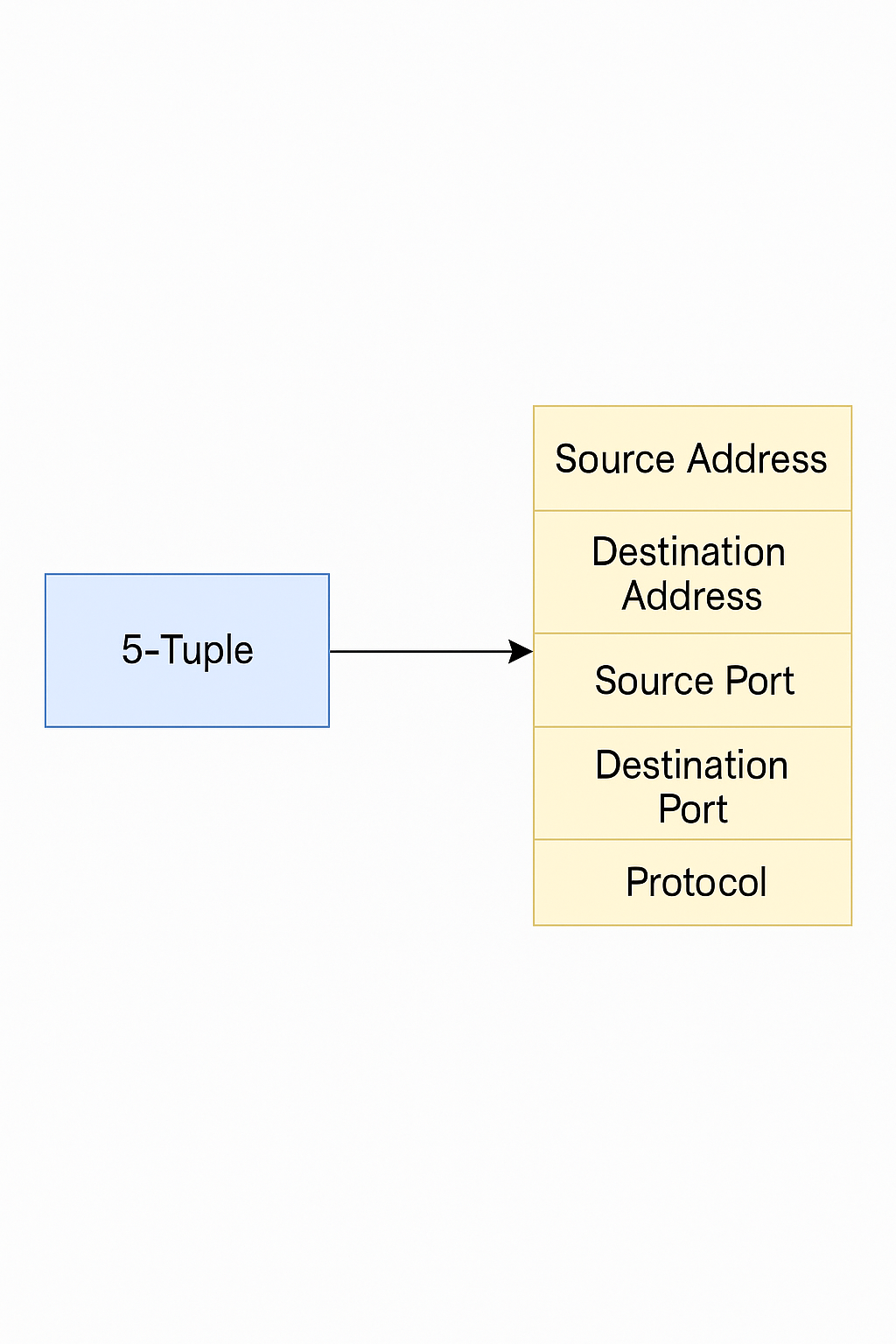
A security policy on a firewall defines rules for forwarding traffic and for integrated content security inspection. When a firewall receives traffic, it identifies traffic attributes (including the five-tuple, user, time period, etc.) and matches them against security policies. If a policy matches, the firewall executes the configured action.
2. Security policy components
Security policies consist of match conditions, actions, and security profiles.
(1) Match conditions:
Match conditions include the five-tuple (source address, destination address, source port, destination port, protocol), VLAN, source security zone, destination security zone, user, time period, and so on.
(2) Actions:
Actions are typically permit or deny.
If the action is "permit" and no content security inspection is configured, the traffic is allowed through. If content security inspection is configured, the final decision depends on the inspection results.
If the action is "deny", the firewall can drop the packet and may send a corresponding block response packet depending on packet type. The client or server that initiated the connection receives the block response and can quickly terminate the session, making the block visible to the user.
(3) Security profiles:
Content security inspection includes antivirus, intrusion prevention, and similar functions. These are applied by referencing security profiles in a security policy. If any referenced security profile blocks the traffic, the firewall blocks the traffic. If all profiles allow the traffic, the firewall forwards it.
3. Security policy matching process
Firewalls usually have many policies. Matching is performed in policy-list order, from top to bottom. Once a matching policy is found, no further policies are evaluated. Therefore, policy order is important: more specific policies should be placed above broader ones.
The system also includes a default security policy named "default". It is at the bottom of the policy list, has the lowest priority, all match conditions set to any, and the default action is deny. If no configured policy matches, the default policy is applied.
Session Table
1. What is the session table?
The session table records connection state entries for protocols such as TCP, UDP, and ICMP and is an important basis for firewall packet forwarding.
Stateful forwarding means:
(1) Only the first packet or a small number of packets are inspected to determine the connection state (session table).
(2) Subsequent packets are controlled based on the established connection state.
The session table stores many connection states, which greatly improves the firewall's inspection and forwarding efficiency.
Example: Client PC1 accesses server PC2 using HTTP.
(1) PC1 sends a packet.
(2) The first packet reaches the firewall, which creates a session table entry that records the protocol (http) and connection information and recognizes that this traffic will be forwarded according to the routing table.

(3) The firewall forwards the packet.
(4) PC2 replies.
(5) The reply matches the firewall session.
(6) The firewall forwards the reply.
2. Session table creation
With stateful inspection enabled, the firewall creates a session table entry only for the first packet of a new connection. Subsequent packets match the session table and are forwarded accordingly.
3. Session table aging
An established session table entry only needs to exist while packets continue to match it. If no packets match the entry for a long time, it is assumed the connection has ended and the entry can be removed. To conserve system resources, entries that are not matched for a configured period are deleted, i.e., they age out.
4. Long-lived connections
Some applications have long intervals between successive packets within the same session. Examples include downloading large files via FTP, where the control channel may have long gaps between control packets, or applications that query a database with intervals much longer than the TCP session aging time.
Extending the aging time for an entire protocol to accommodate these cases can prevent other sessions of the same protocol from aging out, consuming system resources and degrading performance. The long-connection feature addresses this by allowing very long aging times to be set for specific traffic, limiting the scope of extended aging.
Server-map
1. Why is the server-map table needed?
The session table's criteria for grouping packets into the same flow can be too strict for some protocols, causing incorrect session matching. The server-map table addresses this issue.
For example, FTP in active (PORT) mode uses a client-initiated control connection while the server initiates the data connection back to the client. If the firewall only allows one-way outbound connections from the internal network, FTP data transfer will fail.
2. Server-map table principle
Firewalls typically enforce strict policies that allow internal users to initiate connections to the external network only. To handle exceptions like FTP active mode, the firewall uses a server-map table to store mapping relationships. These mappings can be relationships negotiated by a control channel for data connections or address mappings configured in NAT, allowing external hosts to initiate connections to internal hosts through the device.
When a data connection matches a server-map entry, the device can forward it normally and create a session so that subsequent packets are forwarded according to the session table.
3. Server-map packet forwarding process
When the firewall receives a packet that does not match an existing session entry, it processes the first packet and checks whether it matches a server-map entry. If it matches, the firewall creates a session entry and forwards the packet. If it does not match, the firewall follows the other first-packet handling procedures.