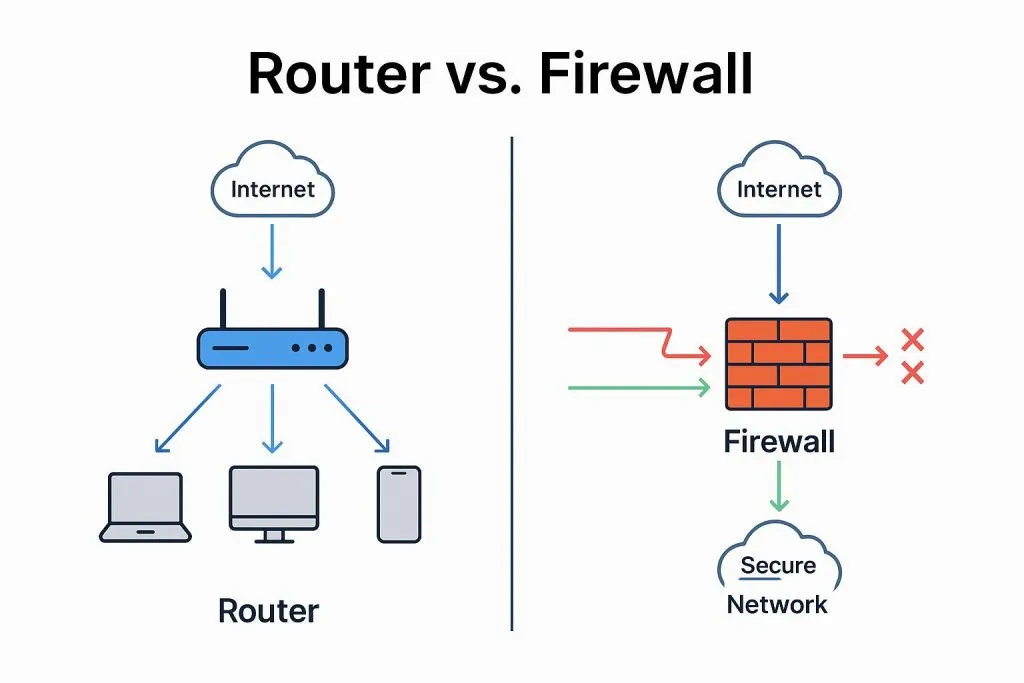
1. Logging into the firewall (R5.5)
DC FW-1800 firewall: in the factory default state only the e0/0 port has an address (192.168.1.1). Default username/password is admin/admin. Connect a cable to port 0, set the PC to an address in the same subnet, and open https://192.168.1.1 to log in.
2. If web login fails, check the following cases
(1) Forgotten username or password
The firewall has no password-recovery function. If the password is lost, you must restore factory defaults and then log in with the initial admin password. Factory reset procedure: power off the device, press and hold the CLR hole on the device front panel, then power on. Keep holding until the STAT LED and ALARM LED next to it both turn red, then release (about 15 seconds).
(2) Know username/password but forgot the management IP
The firewall has a console port. If you know the password but not the management IP, connect a console cable to access the firewall CLI (baud rate 9600). The CLI username/password are the same as the web credentials. After logging in, run show interface to view the interface IP addresses.
(3) Know username/password and management IP, but cannot open the login page
a) The prerequisite for logging into the firewall is that the management PC and the firewall are network-reachable. Troubleshoot the network to ensure the PC and the firewall can communicate.
b) If the network is reachable and the credentials and management IP are correct but the management page still will not open, web management may be disabled. In the CLI, check the management interface details. The manage service field shows which management methods are enabled. If web management is disabled, in interface mode enter manage http or manage https to enable the corresponding web management method.
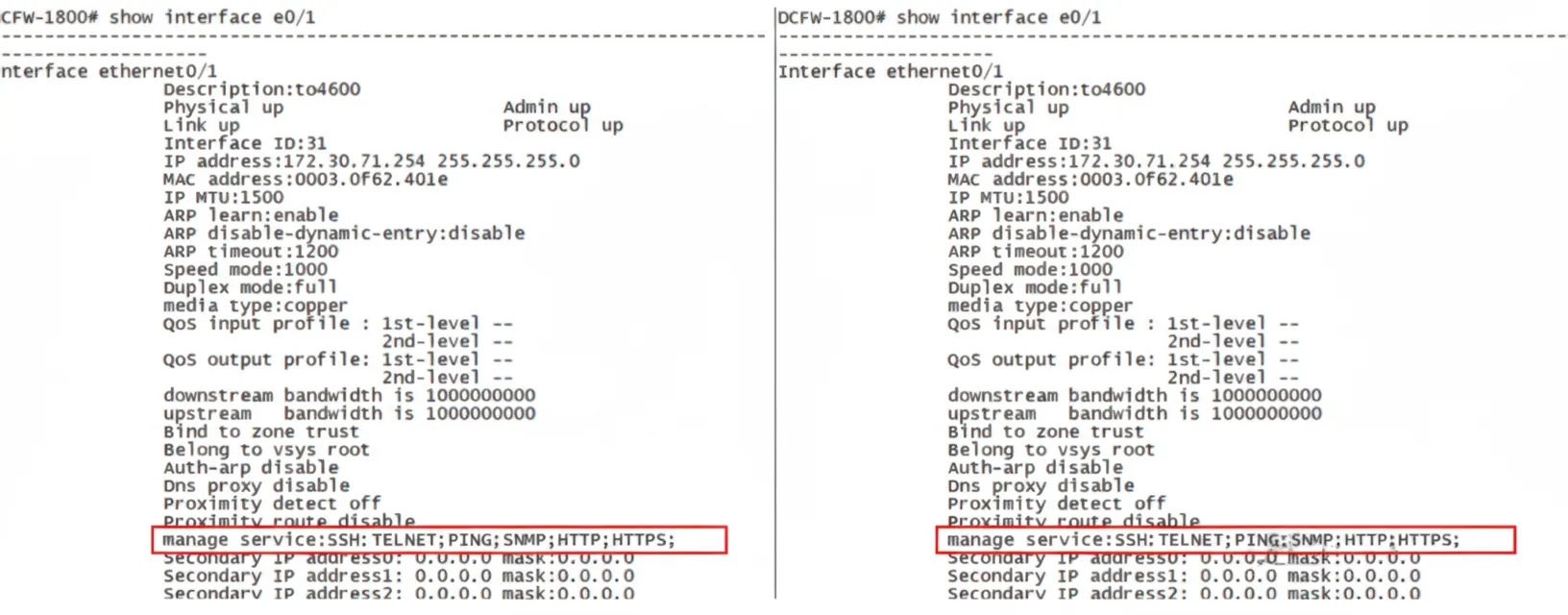
If web management is enabled but access still fails, the port number may be incorrect. Run show http to view the configured port. Note that when accessing via the WAN port, default ports 80 and 443 may be blocked by the ISP; change to an alternative port if necessary.
(4) Can open the login page but cannot complete login (trusted host restrictions)
In the factory default state the trusted-host configuration allows all hosts to log in. If trusted-host rules have been configured to allow only certain hosts HTTP or HTTPS access, other hosts will be unable to perform web-based management.
3. External network cannot access the firewall management interface
First confirm that internal network hosts can log in to the firewall web interface via the firewall's external IP. If internal access works but external access does not, the ISP may be blocking web login ports. Use an alternative port, for example 8888.
If trusted-host rules are restricting access, a possible configuration to allow any host is:
DCFW(config)#admin host any any