Introduction
Engineering queries, or EQ, represent the standard step where PCB manufacturers examine customer design files before production begins. For 1 layer FR4 PCB orders, this review focuses on ensuring every element matches the selected parameters and complies with manufacturability requirements. Because single-layer boards use a straightforward process, most orders receive only a few questions rather than dozens. Still, certain recurring mismatches trigger EQ and can delay approval by one or two days. Understanding these typical issues helps designers and procurement teams submit cleaner files from the start. This article explains the most frequent EQ types seen in single-sided FR4 production and provides clear preparation steps to reduce them.
What Are Engineering Queries and Why They Matter for Single Layer FR4 PCB
Engineering queries occur when the manufacturer's engineering team spots any inconsistency between the uploaded Gerber files, drill files, and the order specifications. In 1 layer FR4 PCB manufacturing, the process skips lamination and plated vias, so the review stays simpler than multilayer work. Yet files still must align perfectly with the chosen material, copper weight, surface finish, and hole types. Small discrepancies can lead to wrong panels being produced or assembly problems later. Quick resolution keeps lead times on track, especially for prototype and small-volume runs that dominate single-layer orders. Manufacturers follow industry standards such as IPC-A-600K to judge acceptability during this check.
Common EQ Types for 1 Layer FR4 PCB
The majority of questions fall into predictable categories. Each stems from a mismatch that the factory must clarify to protect yield and quality.
Surface finish conflicts appear frequently. A customer selects OSP on the order form but the Gerber files show large exposed copper areas or conflicting pad requirements that suit HASL better. The manufacturer then asks whether the entire board should receive OSP or if specific zones need alternative protection.
Hole attribute confusion ranks high on the list. Single-layer boards normally use non-plated through holes, yet designers sometimes mark holes as plated or leave the attribute blank. The factory sends an EQ asking for confirmation: should these holes remain non-plated, or do they require plating for component leads?
Copper thickness mismatches also trigger questions. When the order specifies 1 oz copper but the fabrication notes or stackup indicate 2 oz in power areas, the engineering team requests clarification to set the correct starting laminate.
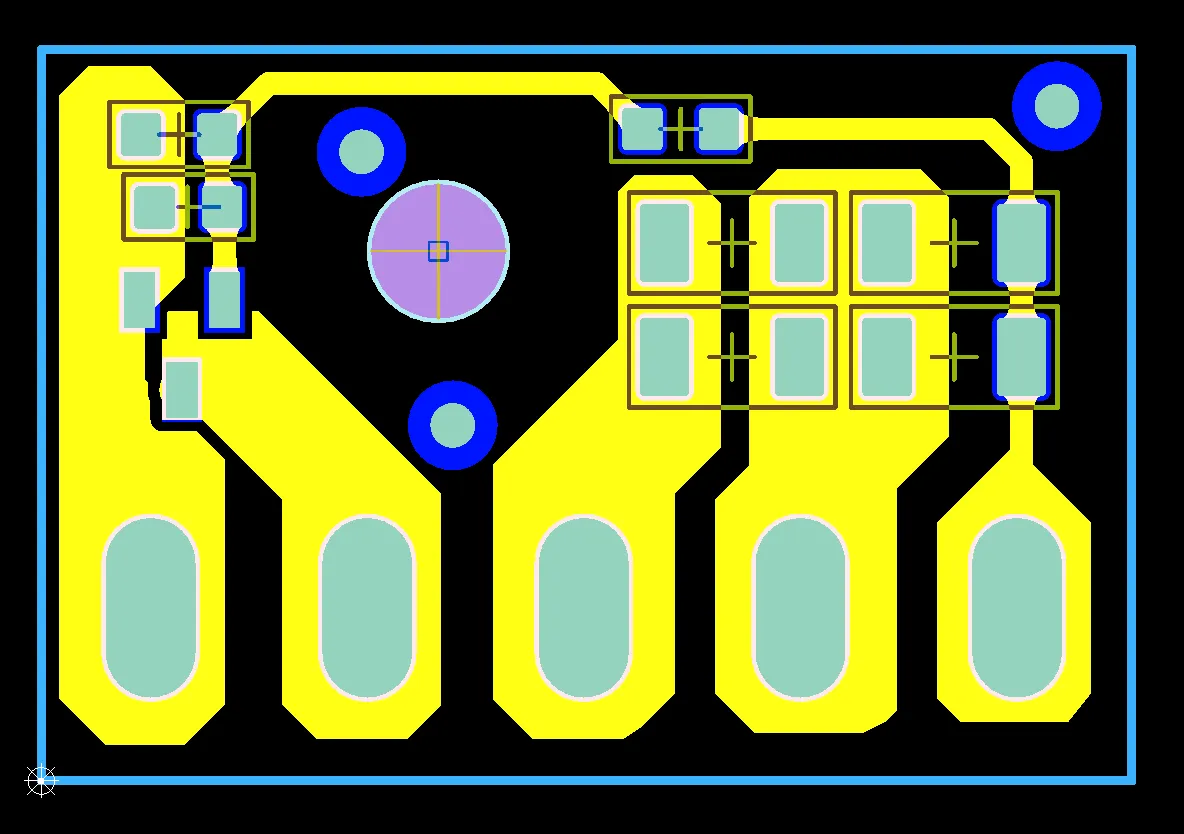
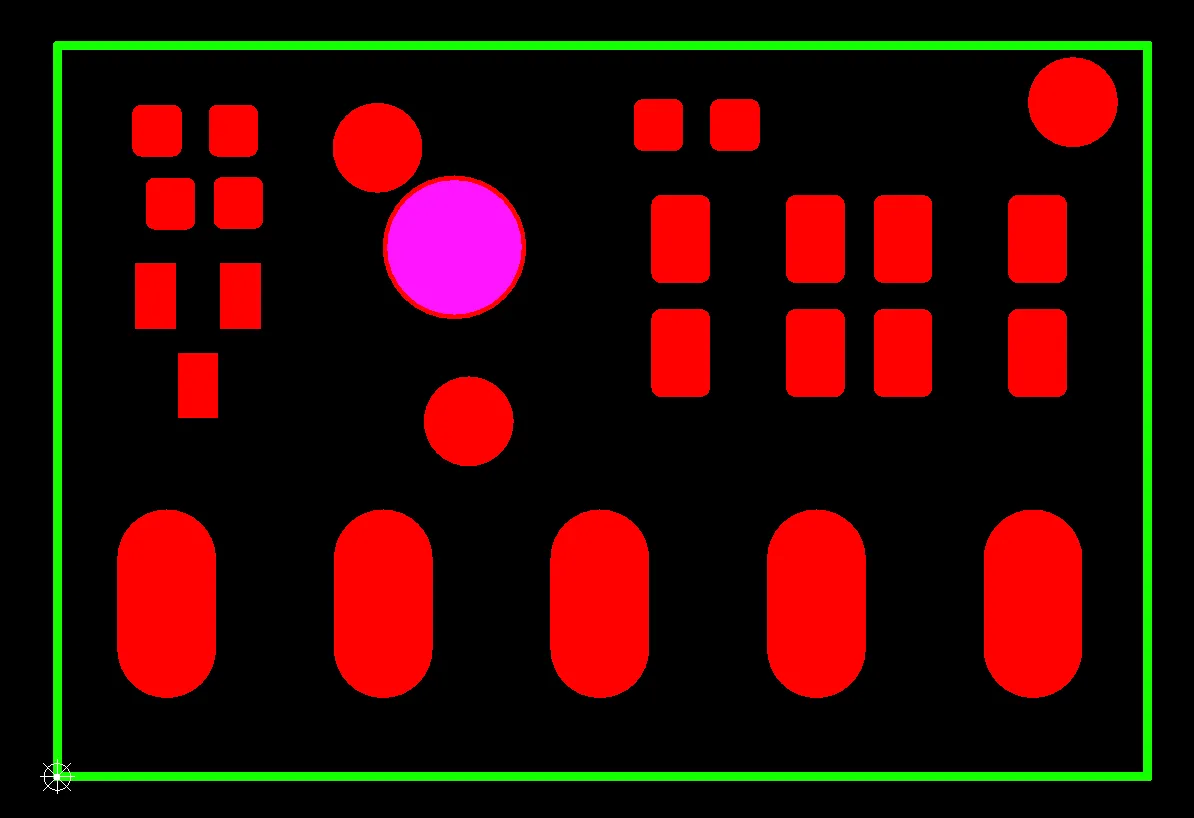
Solder mask opening inconsistencies cause another common query. Some pads receive oversized or undersized windows in the Gerber mask layer, or test points lack openings entirely. The reviewer asks whether the design intentionally omits solder mask on certain features or if the data should follow the order parameters exactly.
Silkscreen and legend conflicts arise when characters sit too close to pads or overlap them. On 1 layer FR4 PCB, the single side must carry all markings, so the factory checks clearance and asks for relocation instructions if needed.
Why These EQ Occur During File Review
Single-layer FR4 boards rely on copper-clad laminate without inner layers, yet the review still verifies every detail against the order. Manufacturers apply the same acceptance criteria defined in IPC-6012E to every job, regardless of layer count. When data does not match the selected panel size, finish type, or hole function, the system flags it automatically. These checks prevent scrap and ensure the finished boards meet both the customer's electrical needs and the factory's process capability. Most EQ resolve quickly once the designer replies with a clear statement or updated file.
Practical Solutions and Best Practices to Minimize EQ
Prepare files with consistency in mind. Create a clear fabrication drawing that lists copper thickness, surface finish, hole types, and any special requirements before uploading. Mark every hole explicitly as plated or non-plated in the drill file and add a hole table for reference.
Align the solder mask Gerber exactly with the order selection. Open all pads that need solderability and confirm no unintended coverage on test points. Include fiducials on the board edges to support accurate mask alignment during production.
Place silkscreen elements at least 0.15 mm away from pads and keep character height readable. If space is tight, move non-critical markings to the solder mask layer instead.
Define the board outline in a dedicated layer and include all slots, V-cuts, and radii with precise coordinates. Add notes about V-cut depth and direction to eliminate questions.
For UL and date code requirements, reserve a 5 mm by 5 mm clear area in a corner and specify the layer in the fabrication notes. This small step prevents last-minute repositioning requests.
Run a design rule check focused on trace width and spacing before export. When features approach 0.10 mm, add a note accepting standard etch compensation so the manufacturer does not need to inquire.
Export Gerber files using standard layer naming conventions and always include both drill and outline data. Test the package in a free viewer to confirm nothing is mirrored or missing.
These steps, applied consistently, reduce EQ volume dramatically and allow most 1 layer FR4 PCB orders to move to production within one working day.
Conclusion
Engineering queries for 1 layer FR4 PCB serve as a final safety net rather than a roadblock. By understanding the nine most common triggers and applying the preparation practices outlined above, designers and buyers can submit files that pass review quickly. The result is shorter lead times, fewer revisions, and higher confidence that the delivered boards will match expectations exactly. Consistent attention to these details builds smoother collaboration between engineering teams and manufacturing partners.
FAQs
What does EQ mean when ordering 1 layer FR4 PCB?
Engineering Query (EQ) is the manufacturer's request for clarification on design files before production starts. It ensures every parameter matches the order and prevents manufacturing errors on single-sided boards.
How long do EQ replies usually take for single layer FR4 PCB orders?
Most queries receive answers within one working day when designers provide clear responses or updated files. Simple clarifications often allow immediate release to production.
Why do hole plating questions appear so often on 1 layer FR4 PCB?
Single-layer boards use non-plated holes by default, but designers sometimes mark them as plated. The manufacturer must confirm the exact requirement to avoid unnecessary plating steps that increase cost and risk.
Can I avoid EQ completely when ordering 1 layer FR4 PCB?
While zero questions is rare, clear fabrication notes, consistent file attributes, and a detailed hole table reduce EQ to the minimum. Many prototype orders pass review the same day when files follow these practices.
Which standard governs the acceptance criteria during EQ review?
IPC-A-600K provides the visual and dimensional acceptance criteria used by manufacturers when evaluating 1 layer FR4 PCB files and finished boards.
References
IPC-6012E — Qualification and Performance Specification for Rigid Printed Boards. IPC, 2017
IPC-A-600K — Acceptability of Printed Boards. IPC, 2020


