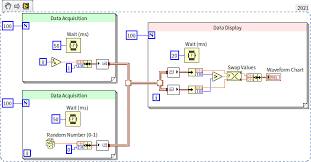
After introducing Channel Wire, this article reviews several applications and considerations for channel wire.
1. Channel Messenger Handler
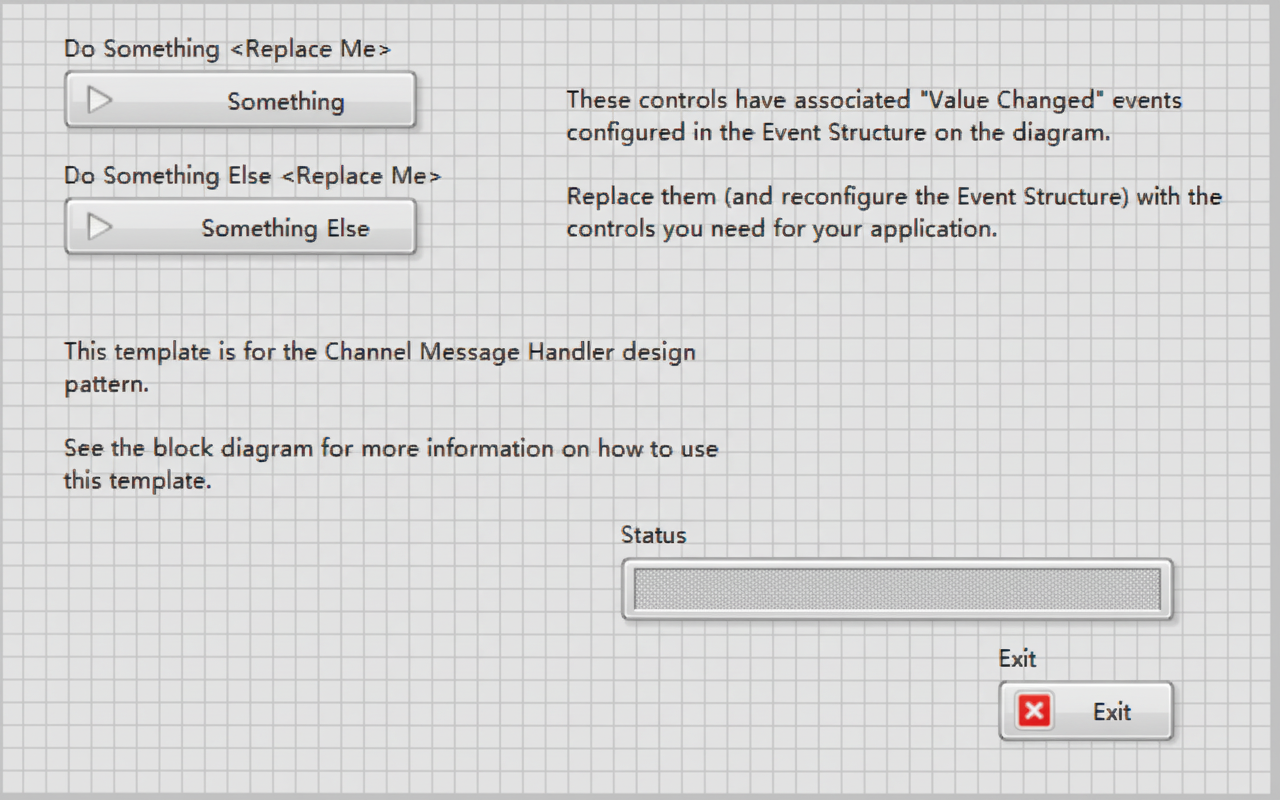
Operators use different buttons on the user interface to send distinct messages to a message-handling thread; the thread processes those messages in the order they are received. This is a classic design pattern implemented with a messenger-type channel wire.
Note: the three loops shown are three parallel threads. Channel wire does not define code execution order. This design pattern is useful for implementing sub-tasks as subVIs and invoking them from a Message Handling Loop.
2. Proper Use of Stream Channel to Avoid Deadlock
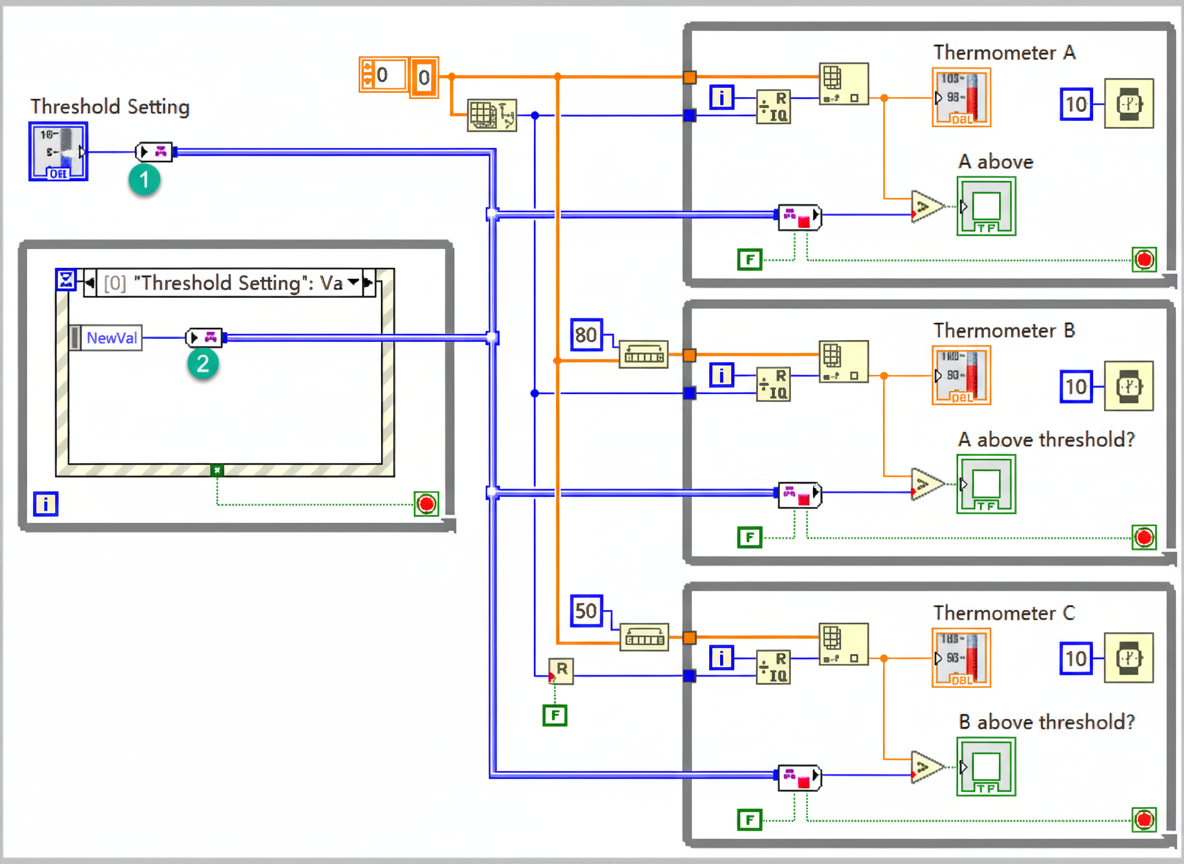
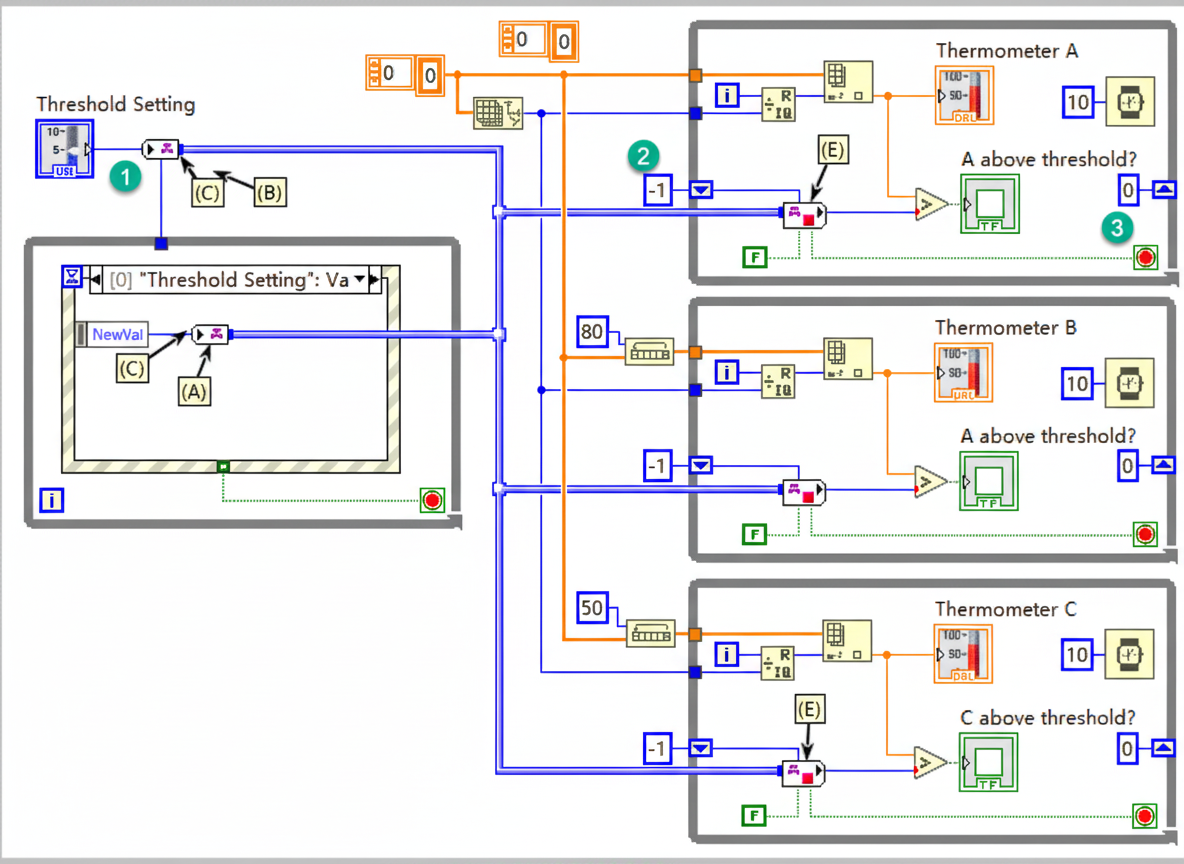
The example named "channel-tag" demonstrates a function where any of three stations A, B, or C will display "Too hot!" when its temperature exceeds the Threshold Setting value.
The initial code contains two bugs. First, there are two write-channel operations (marked 1 and 2) whose execution order is uncertain. Second, the three right-hand threads may run with threshold equal to 0 because the read operations might not receive data (one or more of the right-hand threads may start before the channel writes complete).
The revised code addresses these bugs. First, a wire was intentionally added to enforce the execution order between the two write-channel operations. Second, shift registers are used so that the read operations initially wait until data is available, ensuring the threshold is written at least once before the consumers proceed.
3. Understanding Execution Order with Channel Wire
The "Parallel Channels Problem" example demonstrates potential deadlocks when multiple channel wires are used. The UI provides three Stop buttons; the application may exit normally or may fail to exit. A common outcome is that sections A, B, and C stop updating, but the main program cannot terminate.
The cause is that channel Read operations default to waiting indefinitely until data is available. If Producer A stops, Consumer A may have no data to read and will wait forever, preventing the main program from exiting. In the example, Producer B and Consumer B avoid this problem by setting a 20 ms timeout on Read. Producer C and Consumer C avoid the problem by using the Write and Read operations' "last element" property.
Additional Notes
These examples are included with LabVIEW. Reviewing additional channel examples can help broaden understanding and improve proficiency with channel wire usage.