Overview
In computer systems, registers are typically the fastest form of memory. Registers are small, high-speed storage elements located inside the processor (CPU) that hold instructions, data, addresses, and other temporary information. They connect to the CPU via high-speed internal buses.
Because registers are tightly integrated on the CPU chip and implemented with high-speed logic, access to registers is very fast. Registers can often be read or written within a single CPU cycle, which is why they are considered the fastest type of memory.
Register capacity is very limited, so they can only store a small amount of data. Due to this capacity constraint, registers are mainly used to hold the instruction being executed, temporary values used during computation, and data with very high access frequency.
Larger data sets are stored in slower levels of the memory hierarchy, such as cache, main memory, and secondary storage. These levels trade access speed for greater capacity.
Memory Functions and Hierarchy
The primary function of memory is to store data and instructions for processor use. Memory provides storage and retrieval through read and write operations.
Computer memory is commonly organized into multiple levels, each with different access speed, capacity, and cost. These levels include:
1. Registers: Located inside the CPU, registers are the fastest memory and are used to temporarily store instructions and data. Their capacity is very limited and they typically hold the currently executing instruction, temporary computation data, and frequently used values.
2. Cache: Cache sits between the CPU and main memory and stores data and instructions that the CPU accesses most frequently. Cache provides faster access than main memory, with greater capacity than registers but smaller capacity than main memory, reducing CPU wait time for memory access.
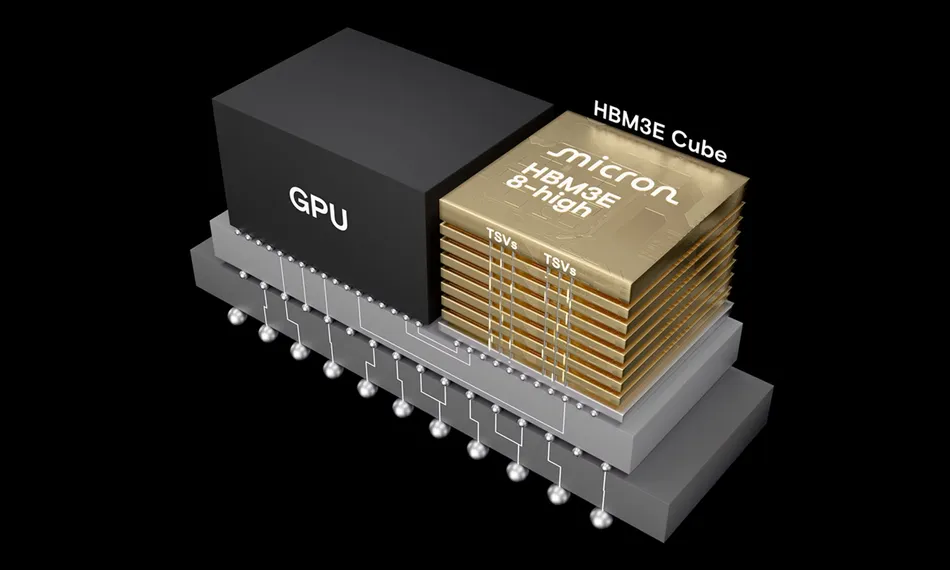
3. Main Memory: Main memory is the primary storage for programs, data, and the operating system. Main memory is usually implemented as random-access memory (RAM). It offers larger capacity but lower access speed compared with cache and registers. Data from secondary storage must be loaded into main memory before the CPU can access it.
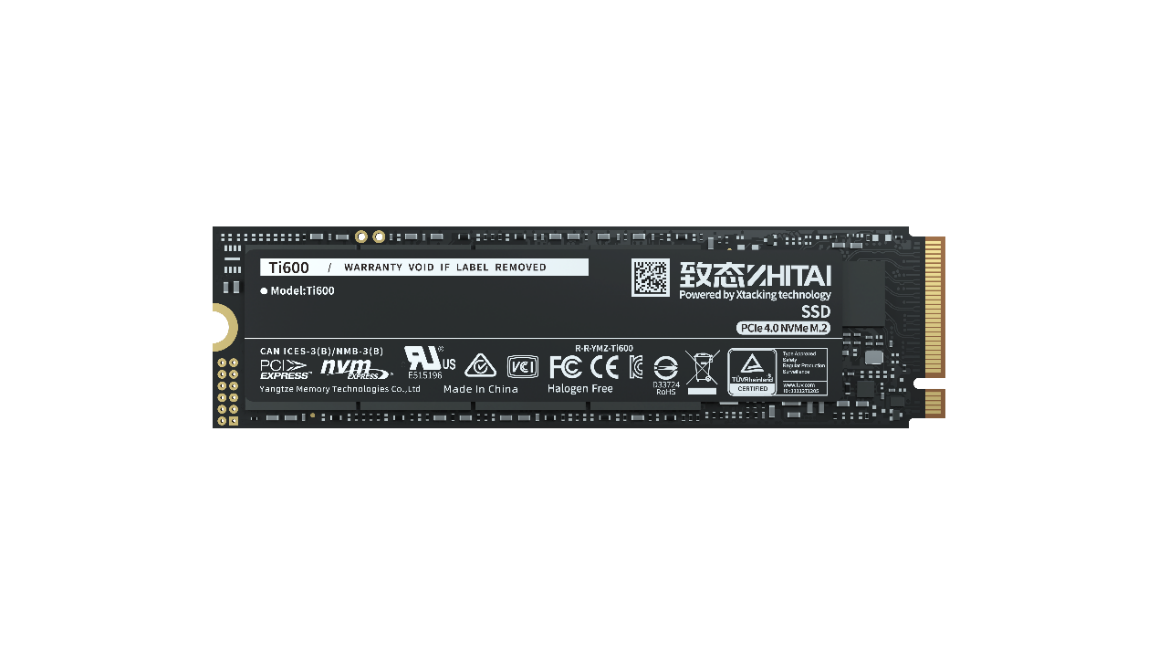
4. Secondary Storage: Secondary storage provides long-term storage for data and programs. Examples include hard disk drives, optical discs, and solid-state drives (SSD). Secondary storage offers much larger capacity at lower cost, but with significantly slower access times compared with main memory.
The memory hierarchy is designed to balance speed, capacity, and cost. Faster levels of memory tend to have smaller capacity and higher cost, while slower levels have larger capacity and lower cost. Effective organization and management of these levels help achieve good overall system performance and storage capability.