







AIVON Plugin for KiCad
Get a PCB quote with one click. Send your KiCad design directly to AIVON with the required parameters and jump straight to the PCB quotation process.
Connect your KiCad PCB design workflow with AIVON's manufacturing
services and simplify the transition from design to PCB production.
Get a PCB quote with one click. Send your KiCad design directly to AIVON with the required parameters and jump straight to the PCB quotation process.

Automatically export manufacturing files. Export all required PCB manufacturing files from your KiCad project and save them locally, reducing manual preparation and file errors.

Watch how to install the plugin and place a PCB order directly from KiCad.
 EDA Software
Learn what KiCad is, its core features for schematic design, PCB layout, 3D visualization, and manufacturing output. Discover why engineers choose this free open-source tool and how to move from design to professional PCB fabrication.
View more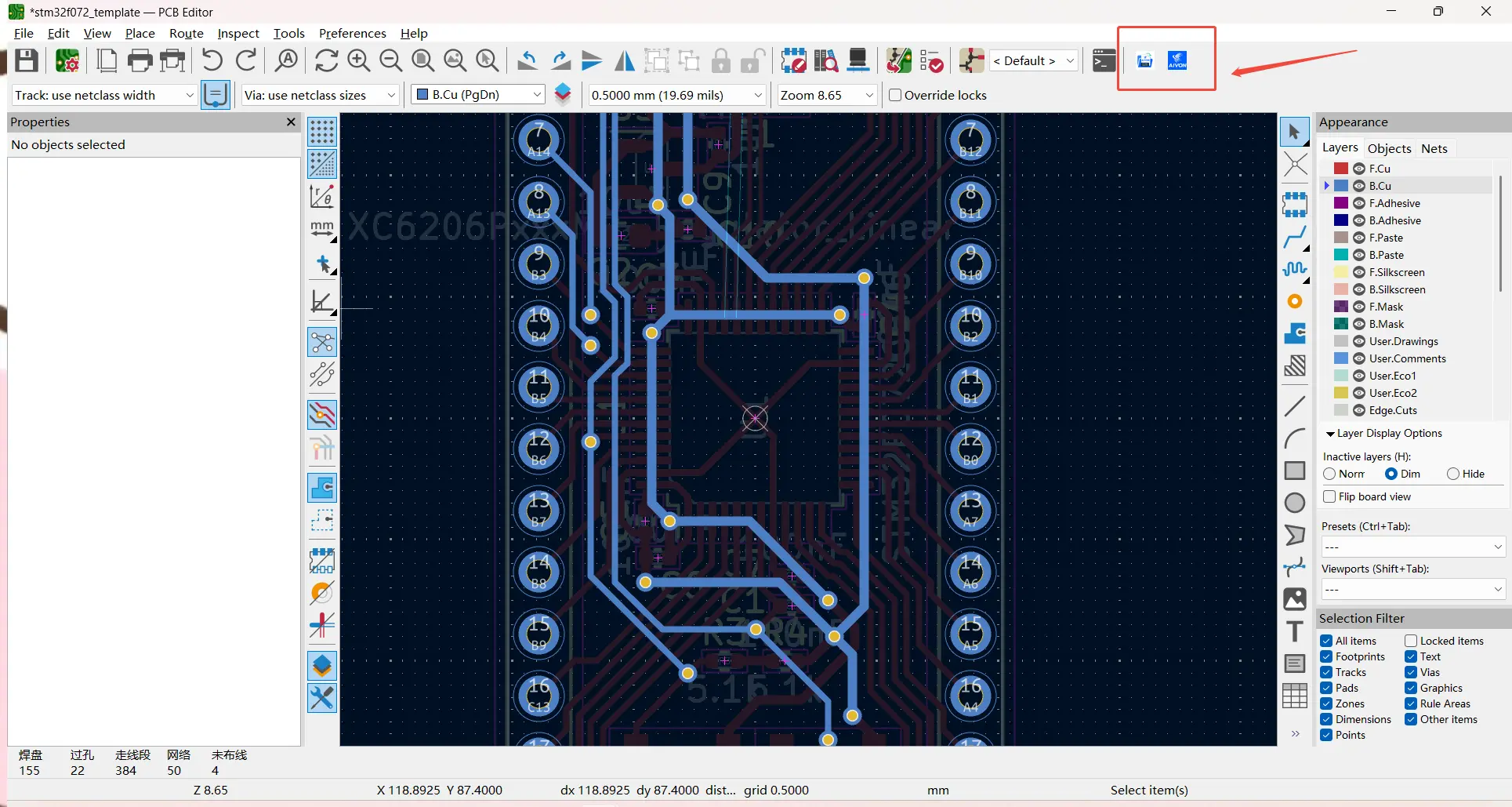 Design For Manufacturing (DFM)
Discover the best resources to learn KiCad, including official documentation, video courses, tutorials, forums, and a practical learning roadmap from beginner projects to production-ready PCB designs.
View more
Learn the complete KiCad workflow from schematic capture and PCB layout to DRC, Gerber export, and manufacturing files. This practical tutorial helps engineers avoid common mistakes and prepare production-ready boards for fabrication and assembly.
View more
Master 10 practical PCB design tips for KiCad users. Learn schematic organization, correct footprints, design rules, placement, routing, power/ground design, DRC checks and manufacturing file preparation to boost quality and reduce production issues.
View more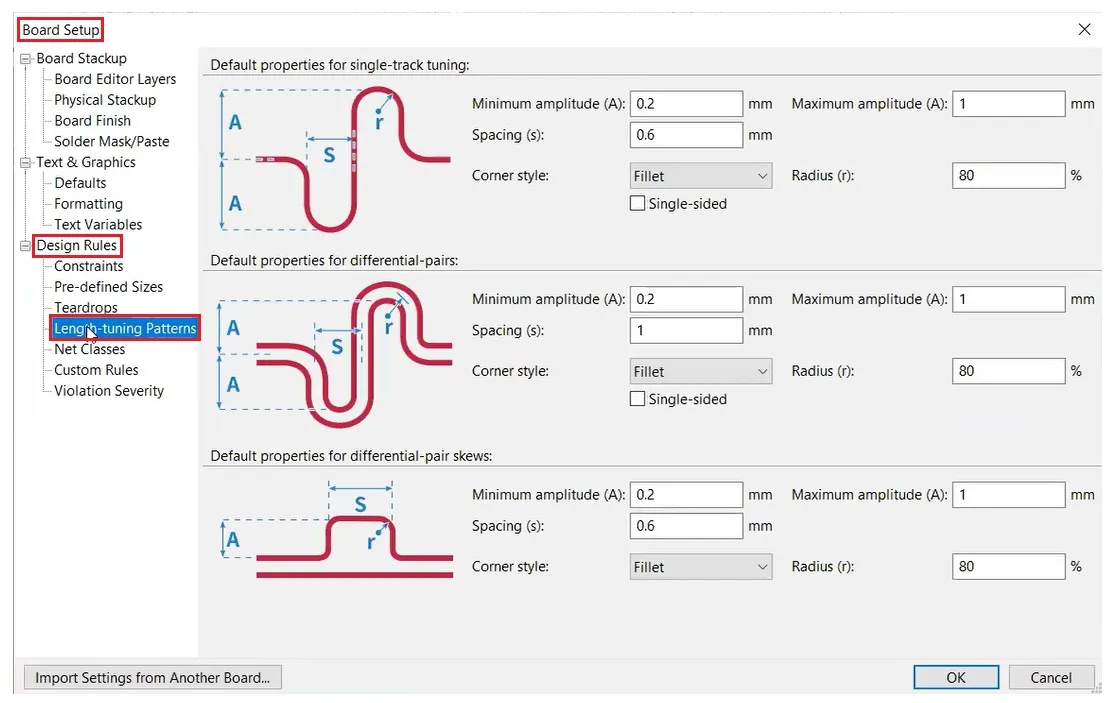
Learn how to design a PCB layout in KiCad step by step. This beginner guide covers board setup, design rules, component placement, routing, DRC checks and manufacturing tips to create reliable, production-ready boards.
View more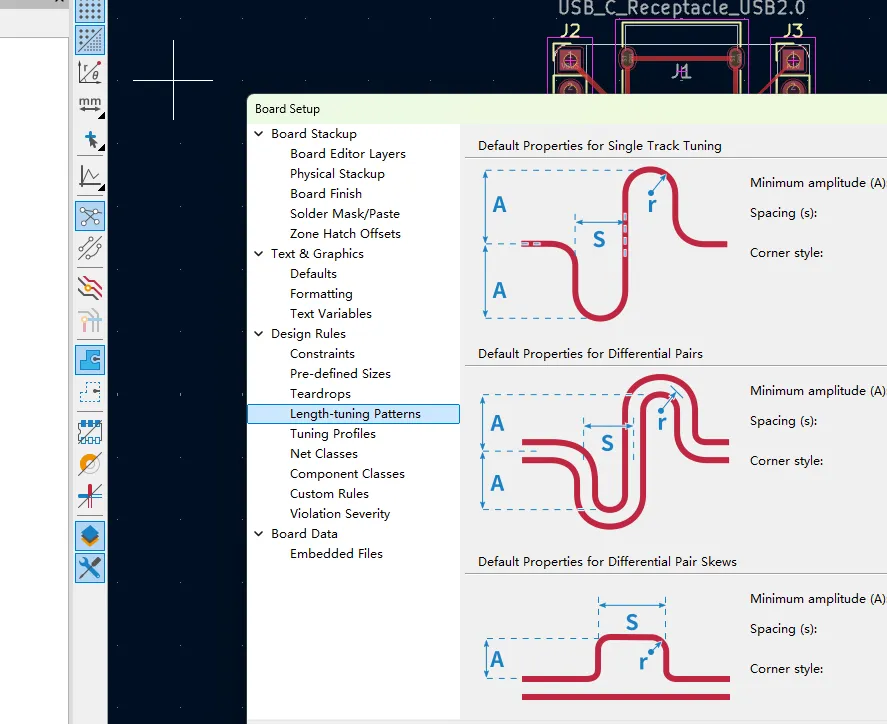
Master differential pair routing in KiCad. Learn rule setup, impedance control, length matching, and high-speed best practices for USB, HDMI & Ethernet—plus manufacturing tips that prevent signal integrity failures.
View more
This video demonstrates how the AIVON KiCad plugin streamlines the journey from completed PCB design to an instant manufacturing quote directly within the CAD environment. Instead of exporting Gerber files, uploading them separately, configuring manufacturing options, and requesting pricing, engineers can use a simplified workflow to upload their design, review specifications, and receive a quote with fewer steps. The video highlights practical benefits such as faster PCB prototyping, reduced file-version errors, and smoother DFM communication. This workflow is especially useful for engineers developing rigid, multilayer, and mixed-technology PCBs for industrial, IoT, and consumer applications, helping shorten the path from design completion to PCB fabrication and assembly.
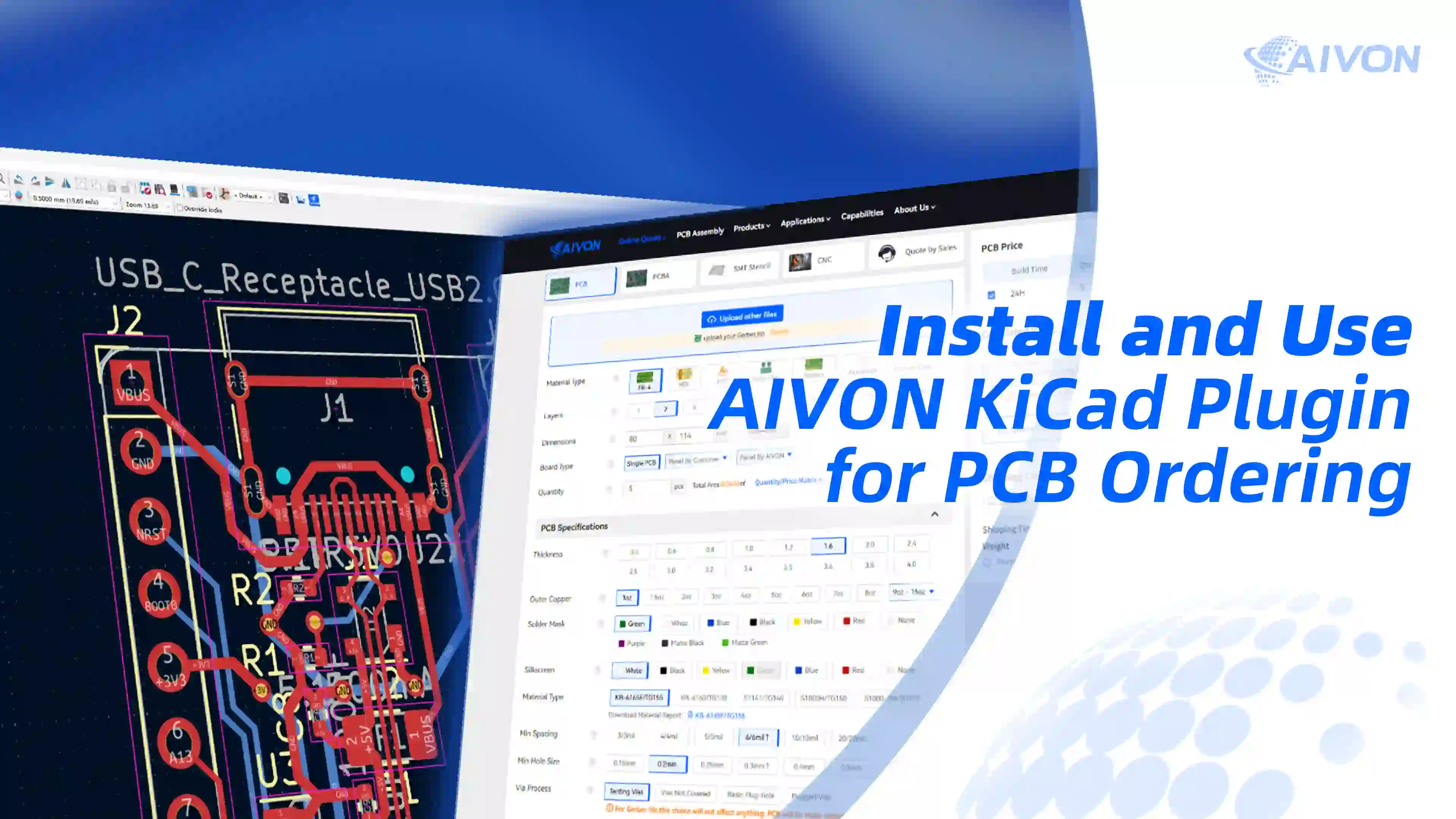
This tutorial demonstrates how to install the free AIVON KiCad plugin and streamline the workflow from a finished PCB layout to a production-ready order without manually exporting Gerbers or uploading files separately. It walks through KiCad’s Plugin and Content Manager, the Fabrication Plugins tab, applying pending changes, and launching the AIVON toolbar directly from the PCB Editor. Before quoting, the video emphasizes two critical checks—a clean DRC and a complete board outline—to ensure accurate CAM interpretation of board dimensions and layer count. Once launched, the plugin automatically extracts board parameters, packages manufacturing files, and opens a pre-filled instant PCB quote where engineers can confirm quantity, surface finish, solder mask color, and special requirements. The streamlined workflow supports both PCB prototype development and later PCB assembly quoting, helping IoT, industrial control, and consumer electronics teams reduce file-preparation errors and move from design freeze to fabrication more efficiently.
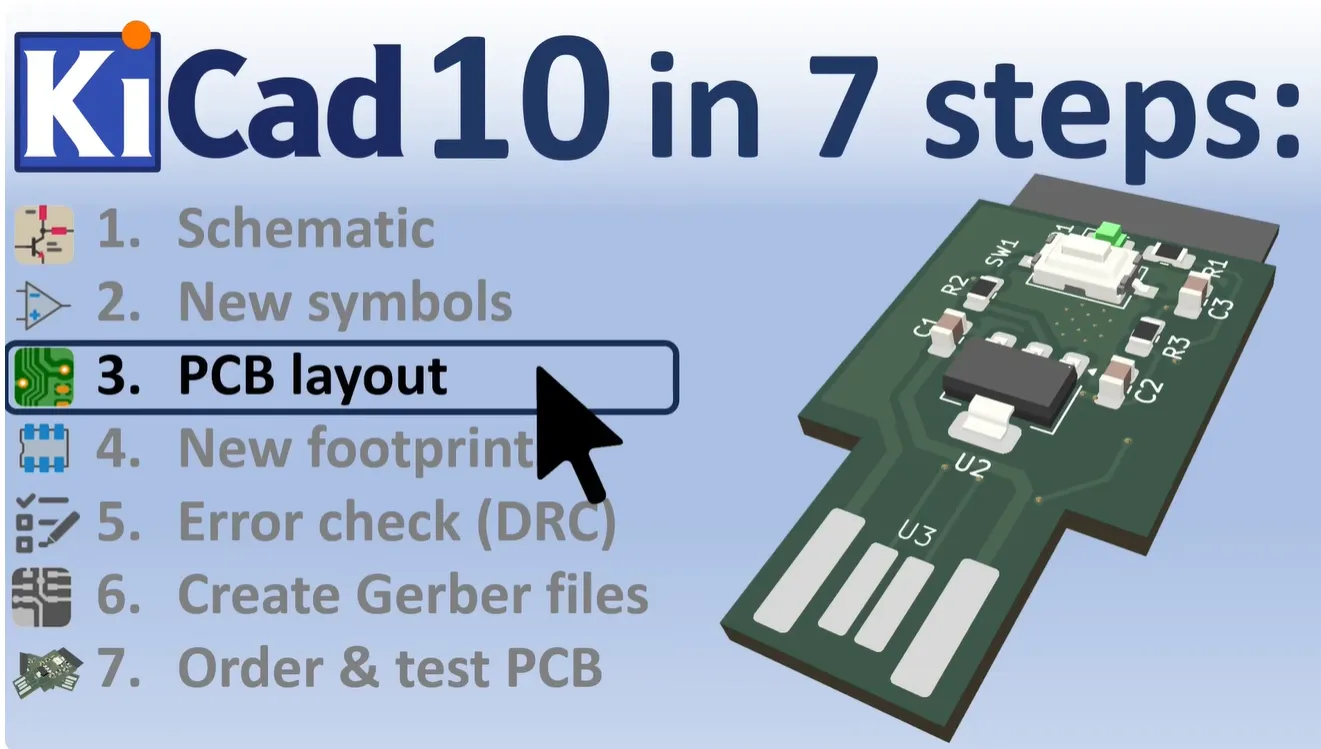
This video walks through a complete KiCad 10 PCB design workflow for an ESP32-S3 USB development board, covering project setup, schematic capture, custom USB connector symbol and footprint creation, wiring, global labels, board outline, component placement, silkscreen, routing, 3D review, and DRC. Using a compact two-layer FR4 PCB as an example, it highlights the manufacturing-critical details that determine first-pass success, including accurate pad geometry, copper-to-outline clearance, silkscreen clearance from pads, and a clean DRC. Once the design is verified, engineers can move directly from the completed files to an instant PCB quote or turnkey PCB assembly, making the workflow relevant to IoT, consumer electronics, PCB prototyping, and production-ready design handoff.
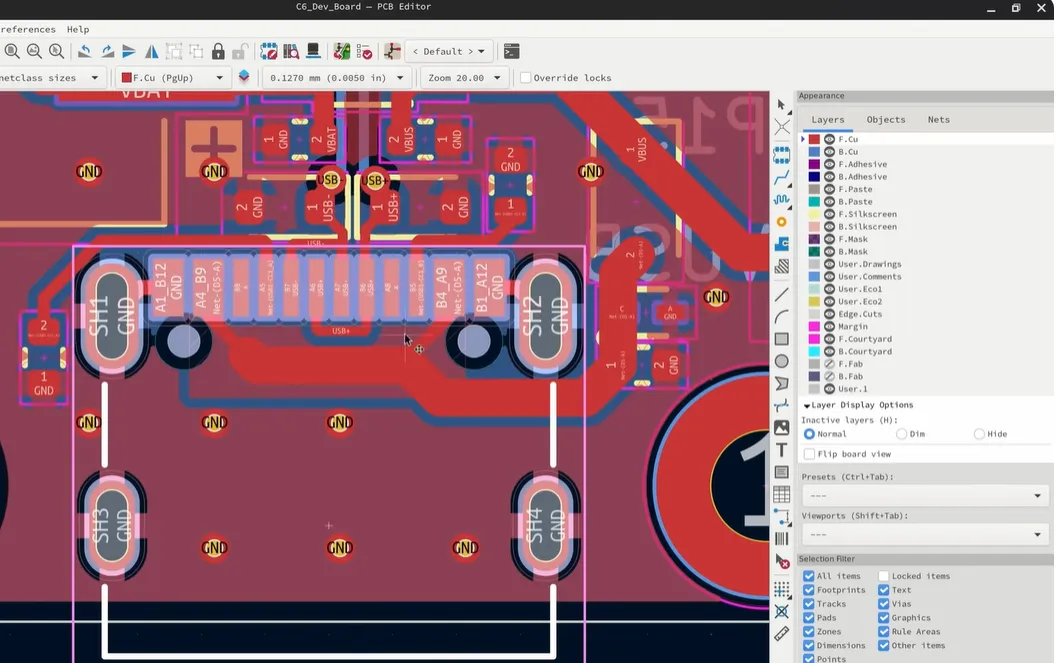
This video reviews KiCad 10 and FreeCAD 1.1, highlighting open-source updates that make schematic reuse, PCB layout, and enclosure design more efficient. For KiCad 10, it covers STEP-only official 3D models, directory-style symbol libraries, Windows dark mode, schematic variants for alternate BOMs and DNP components, hop-over wire display, schematic groups, and reusable PCB design blocks. Practical examples include a voltage-regulator block and USB-C connector routing that can be reused across PCB prototype projects. FreeCAD 1.1 improvements—including clearer selection, custom-origin transforms, quick measurement, projected external geometry, and internal-face generation—help engineers refine enclosures after the PCB outline is finalized. Together, these tools streamline the path from schematic and mechanical design to PCB assembly and online PCB quoting while reducing repetitive design work.
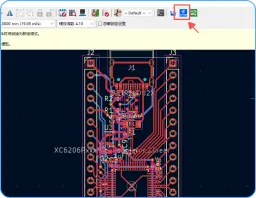
Yes. After the AIVON plugin is installed, open your board in the KiCad PCB Editor, run DRC, and click the AIVON icon. The plugin prepares the manufacturing data from the current project and opens AIVON’s quotation page with the main board parameters already filled in. You can review quantity, thickness, surface finish, solder mask, and other options on that page and see the quote without exporting or uploading files by hand.
The plugin works from a finished KiCad PCB project in the PCB Editor. You do not need to plot or zip files first. It reads the current board and packages the manufacturing data AIVON uses for quotation:
Board size and layer count are taken from the design so you do not re-type them on the quote form. Native KiCad files (.kicad_pro, .kicad_sch, .kicad_pcb) stay in your project folder; the plugin sends the production package, not the schematic libraries. For assembly, check that the BOM and pick-and-place data match the latest revision before you place the order.
No. Anyone with KiCad can install the plugin and open a quotation. An AIVON account is only required when you are ready to place the order.
New customers who register and verify their email can receive up to $60 in welcome credits, typically a $30 manufacturing credit on the first PCB or PCBA order and a $30 shipping credit on the first pure-PCB order. Credits are applied at checkout after registration.
Send your layout to AIVON for instant production with just one click.
Install AIVON KiCad Plugin


