




Choosing the wrong learning path for KiCad wastes weeks. Many engineers jump between incomplete YouTube videos, outdated tutorials written for older versions, and forum threads that assume prior knowledge. The result is frustration, incomplete designs, and manufacturing files that fail DFM checks. Selecting structured, up-to-date resources that match your current skill level shortens the learning curve and builds habits that produce fab-ready boards.
This guide maps the current KiCad learning ecosystem—official documentation, video courses, community channels, and real-project practice—so you can move efficiently from first schematic to production-oriented designs.
Overview of KiCad Learning Ecosystem
KiCad's learning materials fall into four complementary categories:
- Official documentation and getting-started guides that stay synchronized with the software
- Structured video courses and project-based tutorials
- Active community forums, chat, and shared repositories
- Hands-on projects that force complete workflows, including manufacturing outputs
The most effective path combines all four. Documentation provides accurate reference, courses accelerate early progress, communities solve specific problems, and real projects turn knowledge into reliable boards.
Official KiCad Learning Resources
KiCad Documentation
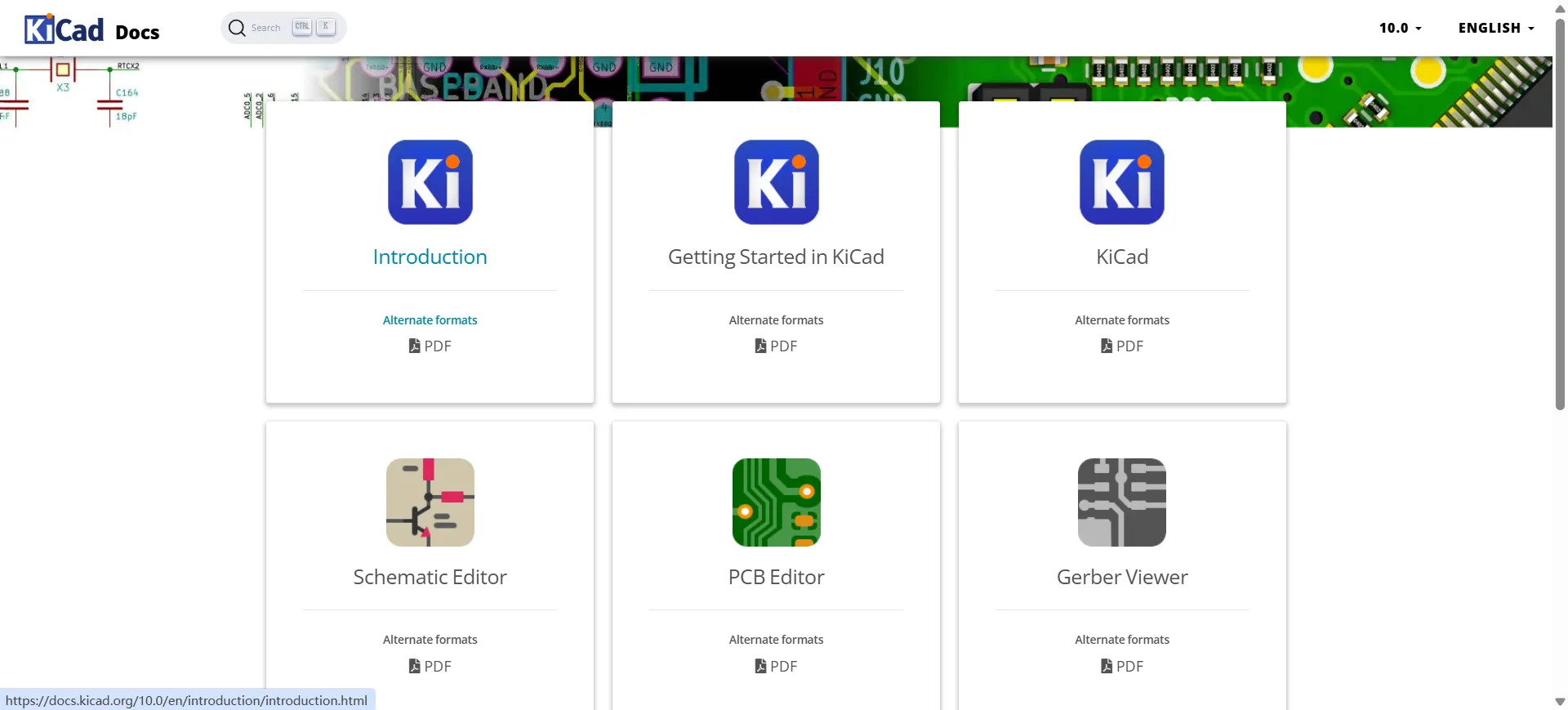
The primary source is the official documentation site at docs.kicad.org. Manuals are version-specific (current releases cover KiCad 9 and the developing 10 series) and cover every major editor, library management, design rules, and manufacturing outputs. The documentation is maintained alongside the software, so commands and dialogs match what you see on screen.
Getting Started Guides
The "Getting Started in KiCad" guide is the recommended first document. It walks through project creation, basic schematic capture, footprint assignment, board layout, Design Rule Check, and generation of Gerber and drill files. Completing this short tutorial produces a minimal but complete project and introduces the full design-to-manufacturing flow.
Official Tutorials and Further Reading
The official site also lists community-created tutorials that the KiCad team endorses. These resources are useful once the basic interface is familiar. Always check the KiCad version mentioned in any tutorial; interface details change between major releases.
Best KiCad Video Courses and Tutorials
Beginner PCB Design Courses
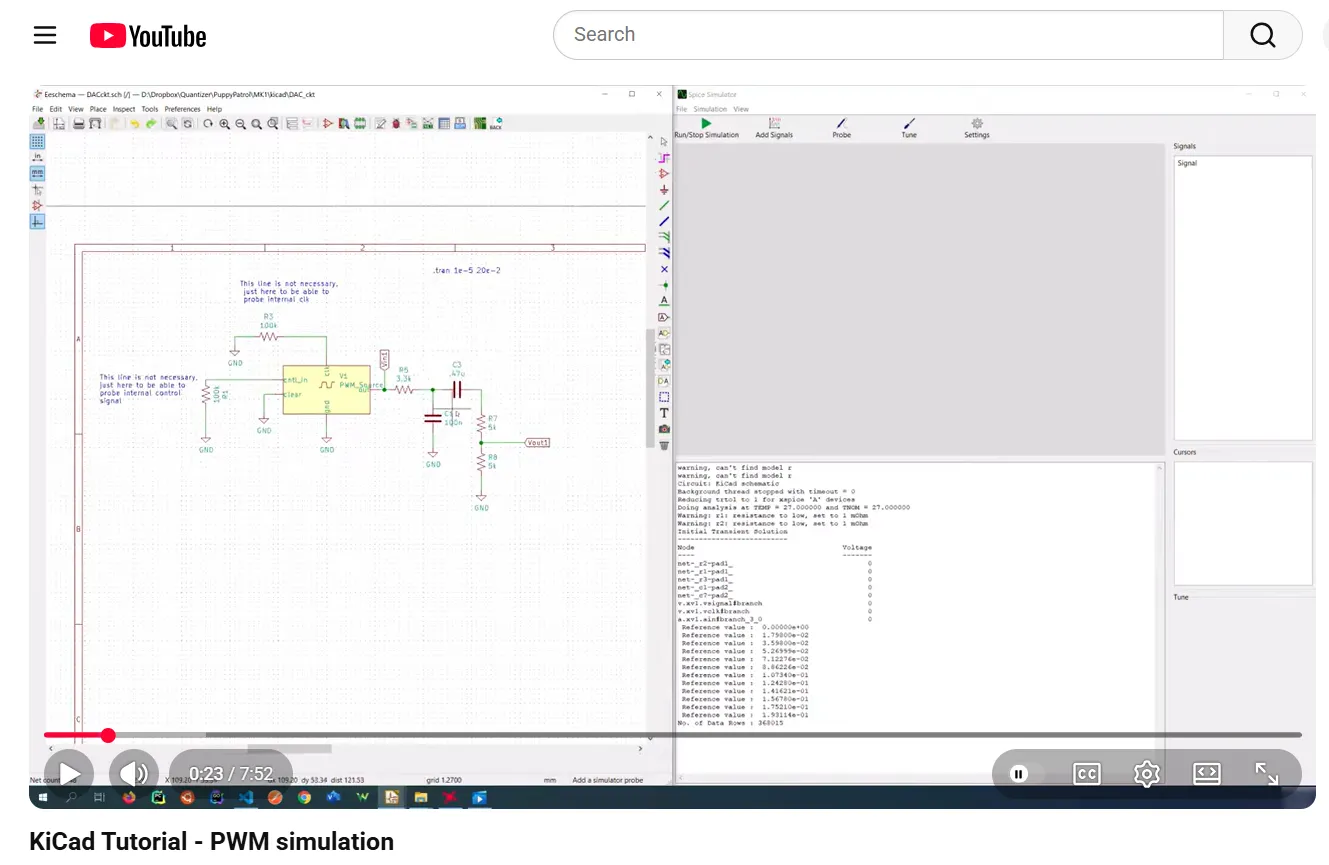
Free YouTube series provide an accessible entry. DigiKey's KiCad 9.0 Getting Started playlist covers installation, schematic, custom symbols and footprints, layout, and manufacturing file generation in a short, practical sequence. Other well-regarded beginner playlists include Invent Box Tutorials and Michael Ruppe's "Zero to Hero" series. These are ideal for the first complete board.
Project-Based Learning Tutorials
Longer structured courses deliver deeper results. Tech Explorations' "KiCad Like a Pro" (updated for recent KiCad versions) combines a full book with more than 30 hours of video and multiple complete projects. FEDEVEL courses (KiCad for Beginners and follow-on maker-level material) emphasize professional practices and real hardware examples. Contextual Electronics' classic "Getting to Blinky" series remains valuable for understanding the complete process from schematic to assembled board.
Advanced KiCad Training
Once basic boards are comfortable, channels such as Phil's Lab offer practical treatments of mixed-signal, power, and higher-speed topics inside KiCad. Advanced Udemy and independent courses cover multi-layer stack-ups, differential pairs, length matching, and production panelization. Choose courses that explicitly generate and review manufacturing files rather than stopping at a pretty layout.
KiCad Community Resources
KiCad Forum
The English-language forum at forum.kicad.info is the most active and useful community resource. Search existing threads before posting; most common questions already have clear answers. The forum is also the best place to clarify version-specific behavior and library issues.
GitHub and GitLab Resources
Official libraries, the source code mirror, and many community footprint and symbol collections live on GitLab and GitHub. Examining well-maintained open-source hardware projects shows how experienced designers structure hierarchical schematics, manage libraries, and organize manufacturing outputs.
User Communities
Additional channels include the r/KiCad subreddit, the KiCad Discord server, and the EEVblog forum KiCad section. These are useful for quick questions, sharing screenshots, and seeing current design practices. Treat them as supplements to the main forum and official documentation rather than primary learning sources.
Learning KiCad Through Real Projects
Simple PCB Projects
Start with single- or double-layer boards that can be completed in a few sessions: LED blinkers, simple sensor breakouts, or power-supply modules. The goal is to finish the entire flow—schematic, layout, DRC, Gerber generation, and visual inspection in GerbView—multiple times until it feels routine.
Hardware Prototypes
Move next to boards you will actually order and assemble: microcontroller carriers, small IoT nodes, or interface adapters. Include realistic constraints such as connector placement, mounting holes, and basic thermal considerations. Ordering a small quantity forces attention to manufacturing details that pure exercises often skip.
Production-Oriented Designs
Advanced practice involves multi-layer boards, controlled impedance where needed, proper copper balance, and complete documentation (BOM with manufacturer part numbers, pick-and-place files, assembly drawings). At this stage the design process includes deliberate DFM thinking and preparation of files that a fabricator can use without clarification.
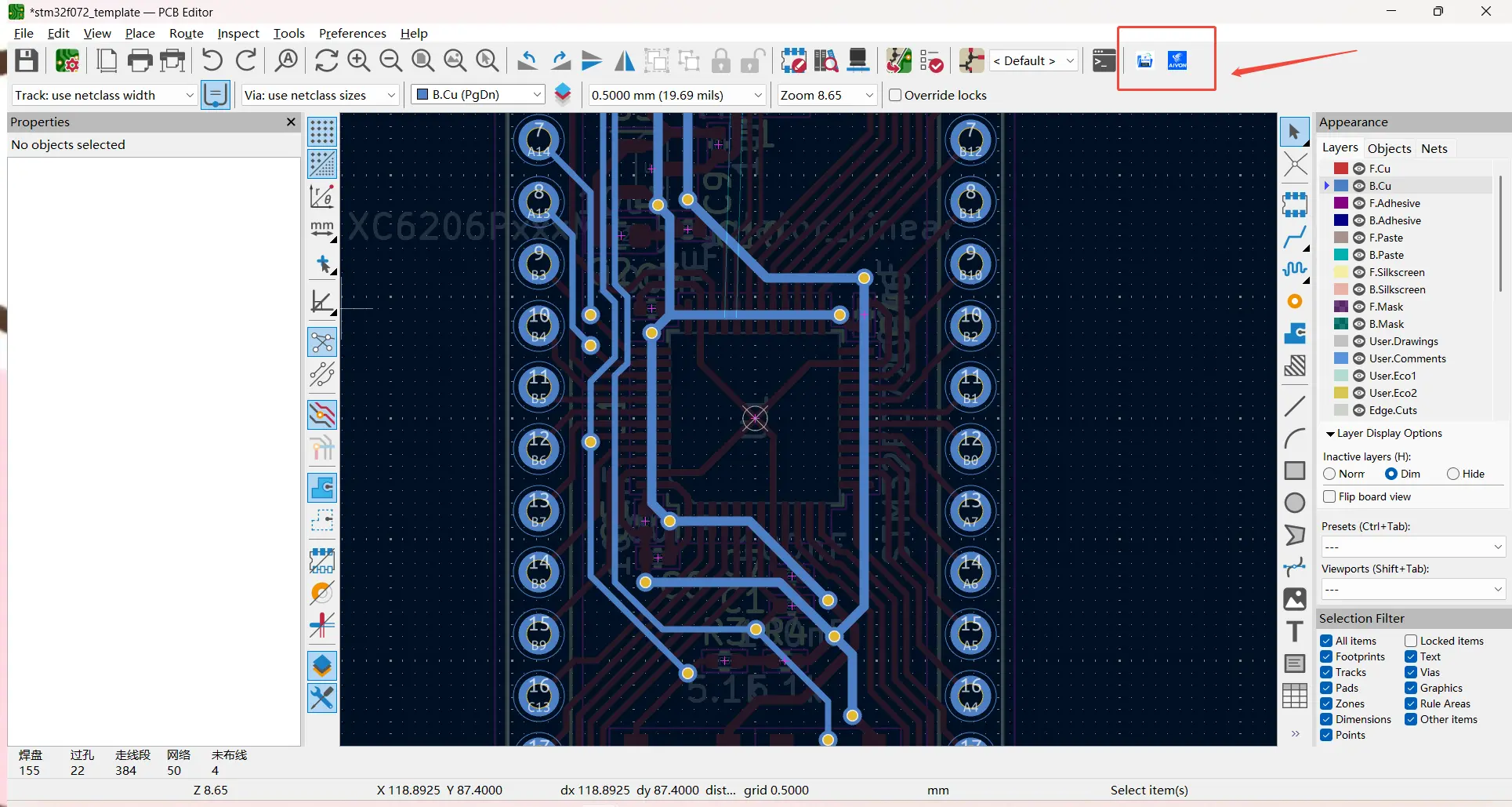
After completing a verified design, engineers routinely export the manufacturing package and submit it to a fabricator. PCB manufacturer such as AIVON accept standard KiCad outputs (Gerbers, drill files, BOM, and pick-and-place data) and perform engineering DFM review before production. Practicing the full handoff early builds confidence that the learning investment produces real hardware.
Recommended KiCad Learning Roadmap
Beginner stage
Install the current stable KiCad release. Complete the official Getting Started guide. Follow one short free video series (DigiKey or equivalent) and finish at least two simple boards, including manufacturing file generation and GerbView inspection. Join the KiCad forum and read existing threads.
Intermediate stage
Take a structured project-based course. Build three to five real prototypes that you order and assemble. Practice custom symbol and footprint creation, hierarchical schematics, and consistent library management. Begin reading DFM guidelines from fabricators and applying them inside Board Setup.
Advanced PCB design stage
Work on multi-layer, mixed-signal, or higher-speed boards. Study advanced video material and open-source reference designs. Automate repetitive outputs where useful, refine documentation packages, and treat every design as if it will go to volume production. At this point KiCad becomes a daily professional tool rather than a learning exercise.
Consistent practice with complete projects is more valuable than passively consuming large volumes of content. Each finished board that passes DRC and produces clean manufacturing files strengthens both tool skill and engineering judgment.
Learning KiCad effectively requires matching resources to your current stage and always closing the loop with real manufacturing outputs. Official documentation provides the accurate foundation, structured courses accelerate progress, communities solve day-to-day problems, and deliberate projects turn knowledge into reliable hardware. Follow the roadmap above and the path from first schematic to production-ready boards becomes clear and efficient.
FAQ
Q1: What is the best free way to start learning KiCad?
A1: Install the current stable version, complete the official "Getting Started in KiCad" guide on docs.kicad.org, then follow a short free YouTube series such as DigiKey's KiCad 9.0 playlist. Finish at least one complete board including Gerber generation.
Q2: Are paid KiCad courses worth it?
A2: Structured paid courses (for example Tech Explorations or FEDEVEL material) are worth the investment if you prefer guided projects, want faster progress, or need coverage of professional practices and manufacturing outputs that free videos often skip.
Q3: Where should I ask KiCad questions?
A3: Start with a search on forum.kicad.info. If the answer is not already there, post a clear question with your KiCad version, screenshots, and what you have already tried. The forum is the most reliable community resource.
Q4: How important is it to generate manufacturing files while learning?
A4: Essential. Completing the flow through DRC, Gerber/drill export, and GerbView inspection builds the habits required for real boards. Designs that stop at a pretty layout often fail when they reach a fabricator.
Q5: What is a good learning sequence after the beginner stage?
A5: Move to a project-based intermediate course, build and order several real prototypes, then progress to multi-layer and production-oriented designs while studying fabricator DFM guidelines and refining documentation packages.