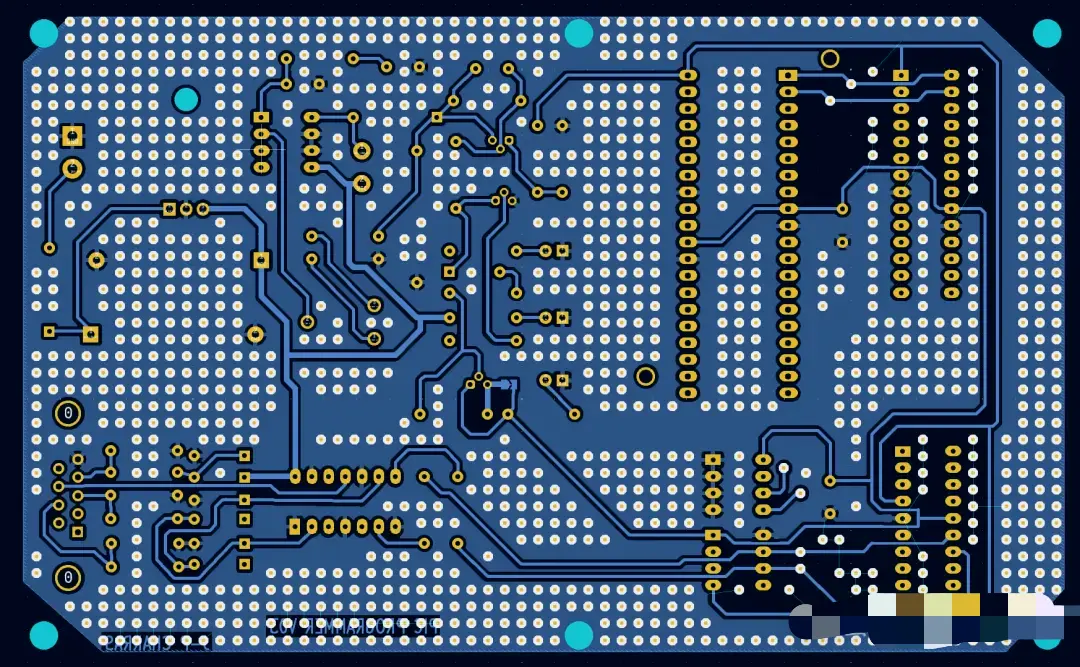
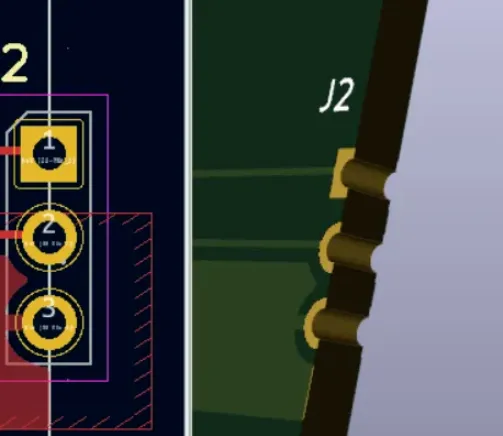
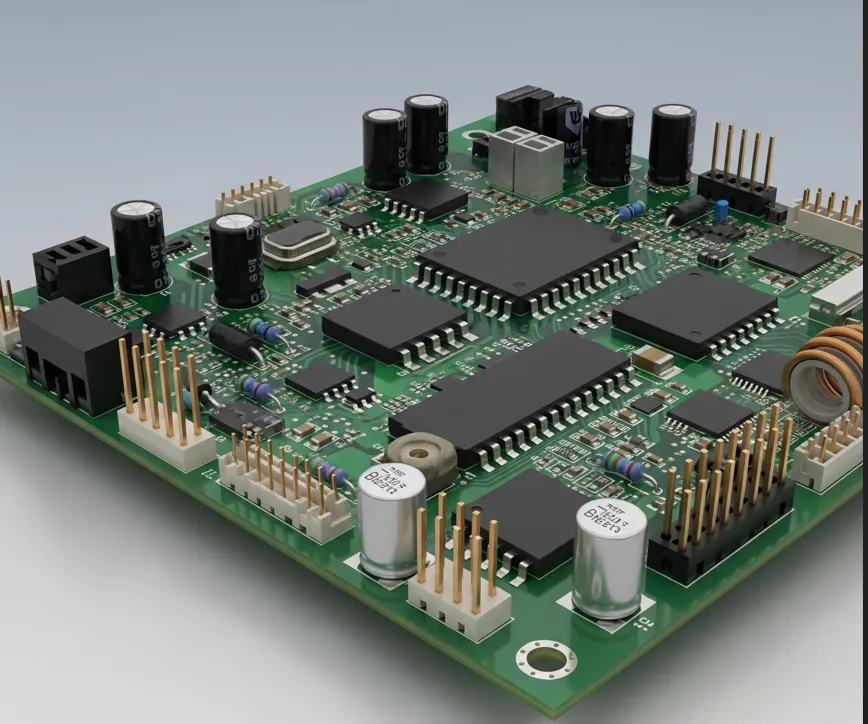
After finishing a PCB layout in KiCad, every engineer faces the same question: how do I turn this design into manufactured boards with the least friction and the lowest risk of error? Two main paths exist today. One is the traditional method of exporting Gerber and related files, then uploading them manually to a manufacturer. The other uses a KiCad plugin that connects the design environment more directly to quotation and ordering.
This article compares both workflows in practical detail so you can decide which approach fits your projects, experience level, and risk tolerance.
How KiCad Connects PCB Design and Manufacturing
KiCad produces a complete board database, but fabrication systems require standardized manufacturing data—primarily Gerber layers, Excellon drills, and supporting files such as BOM and pick-and-place. The difference between the two ordering methods lies in how those files are generated, packaged, and delivered to the manufacturer, and how much manual work the engineer must perform.
Manual Gerber Upload Workflow Explained
In the classic process the engineer:
- Completes the layout and runs DRC
- Exports Gerber files for every required layer (copper, mask, silkscreen, paste, outline)
- Generates matching drill files with consistent origin and units
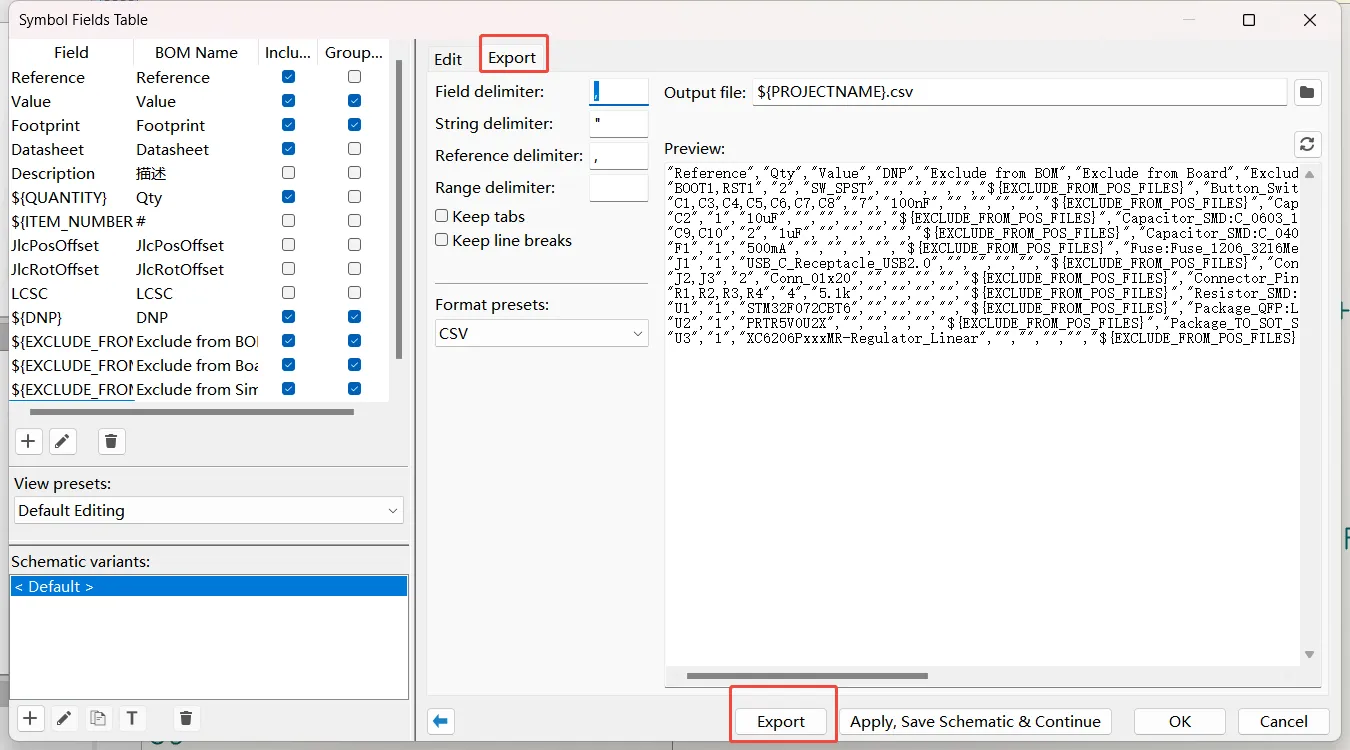
- Creates BOM and pick-and-place files if assembly is needed
- Packages everything into a ZIP archive
- Uploads the archive to the manufacturer's website
- Manually enters board parameters (size, layers, thickness, finish, quantity, etc.)
- Waits for CAM or DFM review and responds to any requests for clarification
This method has been the industry standard for years and remains fully functional.
Advantages of Gerber Upload
- Universal compatibility – Almost every PCB manufacturer accepts standard Gerber and Excellon files.
- Full design control – You decide exactly which layers and settings are exported and can inspect every file before upload.
- Works with any manufacturer – No dependency on a specific plugin or portal.
For engineers who already have established processes or who work with multiple fabs, the manual route offers maximum flexibility.
Limitations of Manual Upload
- More export and packaging steps increase the chance of missing a layer, using inconsistent origins, or forgetting to refill copper zones.
- Parameter entry is repeated for every new order.
- Feedback from the manufacturer arrives only after the files have been uploaded and reviewed, adding turnaround time when corrections are needed.
KiCad Plugin Workflow Explained
A plugin-based workflow keeps more of the process inside the PCB Editor:
- Finish the design and clear DRC
- Launch the plugin from within KiCad
- The plugin extracts board data, packages the necessary manufacturing information, and initiates quotation
- Review options and any returned feedback
- Confirm the order
Automatic file generation and parameter extraction replace most of the manual packaging and data-entry steps.
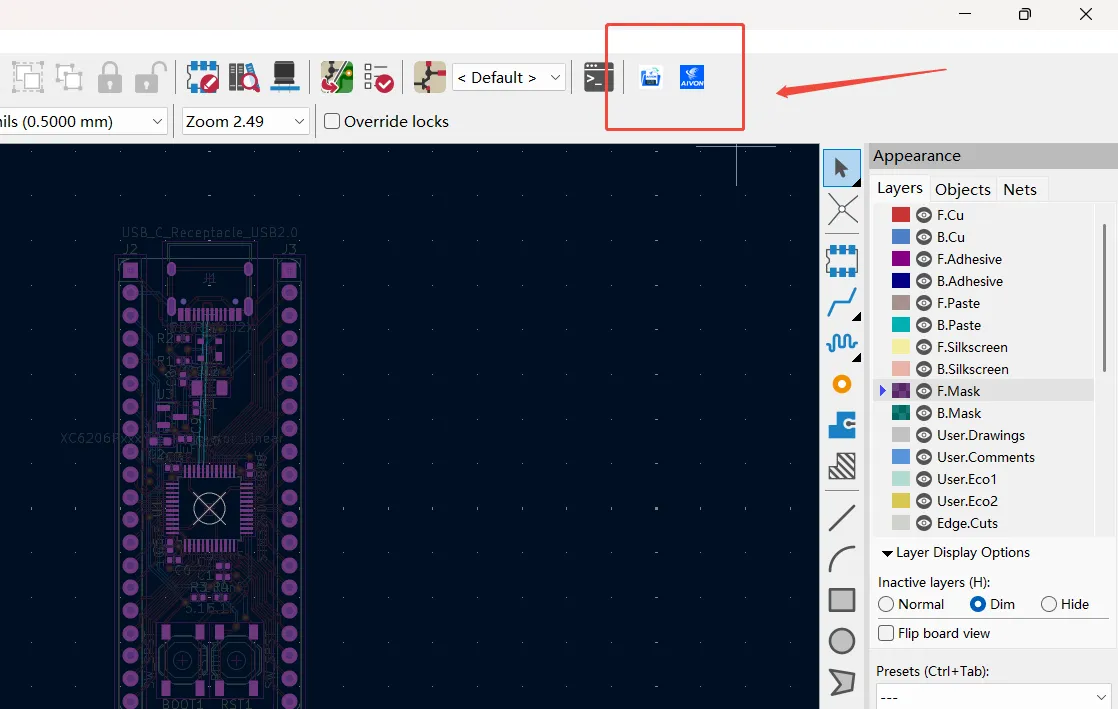
Advantages of KiCad Plugin
- Simplified workflow – Fewer intermediate files to manage and fewer places for errors to appear.
- Reduced manual operations – Board size, layer count, and other parameters are pulled directly from the design.
- Better user experience – Quotation and ordering feel like a natural continuation of the design session rather than a separate administrative task.
When the plugin is paired with professional manufacturing validation, the engineer still receives engineering feedback before production begins, but the path to that feedback is shorter.
Plugin vs Gerber Upload: Which One Should You Choose?
Best choice for beginners
The plugin workflow is usually easier. It removes many of the file-handling steps that commonly cause first-time rejects (missing outline, unfilled zones, mismatched drill origin). Beginners can focus on design quality and still reach a clean order.
Best choice for professional engineers
Many experienced designers continue to use manual Gerber upload when they need complete control, work with multiple manufacturers, or have highly customized export requirements. Others adopt the plugin for routine projects and fall back to manual upload only when special conditions arise. The decision often depends on project volume and the need for multi-vendor flexibility.
Considerations before production
Regardless of method, the underlying design must still pass DRC, have filled zones, and use a consistent origin. Neither workflow can compensate for an incomplete or rule-violating board. Always verify critical layers in a Gerber viewer if you generate the files yourself, and review any feedback returned by the manufacturer before releasing the order.
How AIVON Supports KiCad-Based PCB Manufacturing
AIVON supports both approaches. Engineers who prefer manual upload can generate and submit standard Gerber packages in the conventional way. Those who want a tighter connection can use the AIVON KiCad Plugin to package the design data and move directly to quotation.
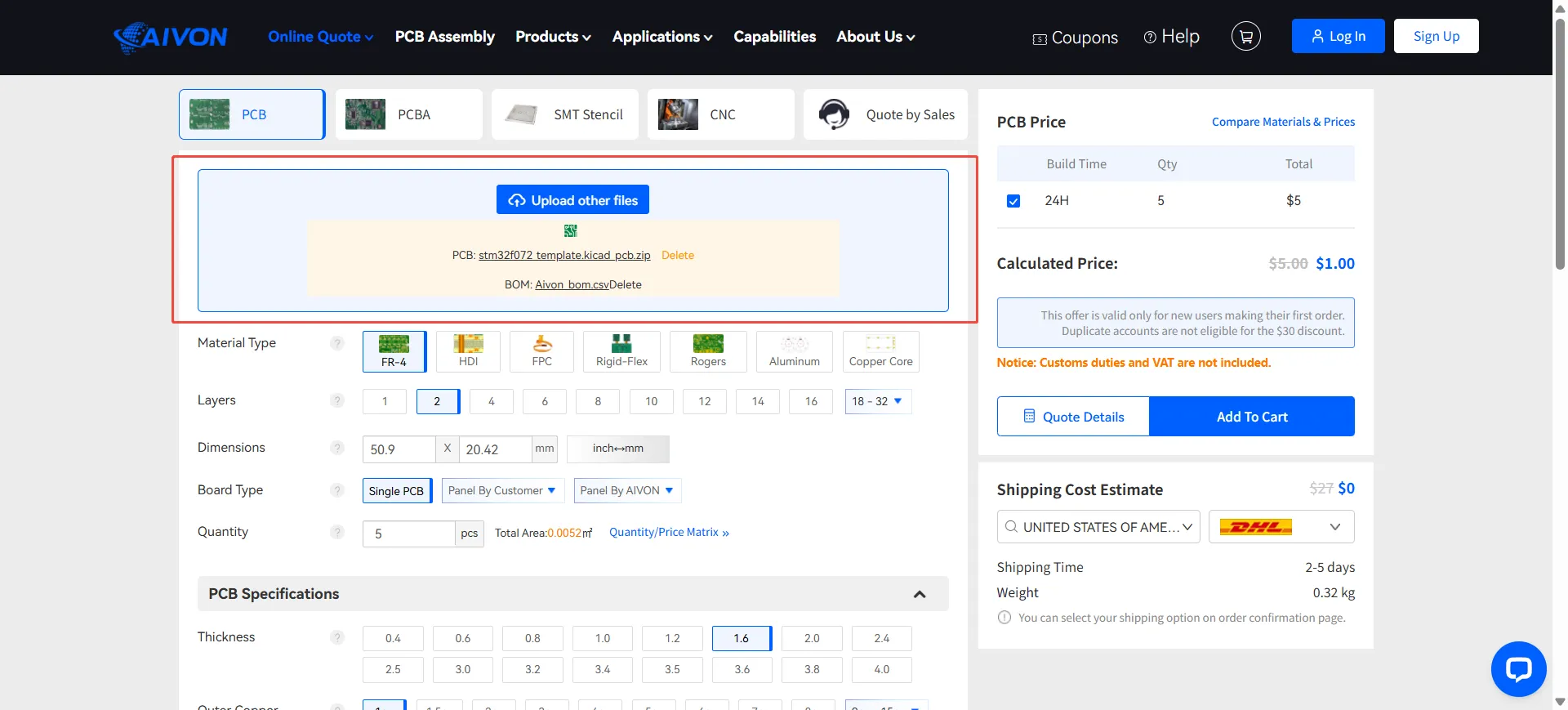
In either case the submitted data receives professional manufacturing validation. The engineering team checks layer completeness, drill alignment, clearances, and process compatibility, then provides feedback before production starts. This review step helps catch issues while changes are still inexpensive and keeps the path from KiCad design to finished boards reliable.
Both the traditional Gerber upload and the KiCad plugin workflow can produce high-quality manufactured boards. The plugin reduces manual steps and the chance of packaging errors, making it attractive for many everyday projects. Manual upload remains the most flexible option when full control or multi-vendor compatibility is required. Choose the path that matches your experience, project complexity, and preferred level of automation—then keep the underlying design disciplined so either method can succeed.
FAQ
Q1: Can I still inspect the Gerber files when using a KiCad plugin?
A1: Most plugins generate or package the same underlying manufacturing data. You can usually download or view the files for verification if you want an independent check.
Q2: Does using a plugin lock me into one manufacturer?
A2: It creates a convenient path to that manufacturer's quotation and ordering system. You remain free to export standard Gerbers and send them to any other fab whenever needed.
Q3: Which workflow has a lower risk of missing files?
A3: The plugin approach generally reduces the risk because file generation and packaging are automated from the current board state. Manual upload gives more control but requires careful checklist discipline.
Q4: Do I still need to run DRC before using either method?
A4: Yes. Both workflows assume a clean design. Unresolved DRC errors or unfilled zones will cause problems regardless of how the files are delivered.
Q5: Is the plugin suitable for complex multi-layer or impedance-controlled boards?
A5: Yes, provided the design itself is correctly prepared. The plugin simplifies delivery; engineering validation still reviews stack-up, impedance, and other advanced requirements before production.