




Choosing PCB design software is rarely about features alone. Engineers face real constraints: budget limits that kill early prototypes, team collaboration needs that slow projects, and manufacturing handoff problems that cause respin costs. The wrong tool locks you into expensive licenses, artificial board-size limits, or incomplete Gerber packages that fail DFM checks at the fab.
This comparison focuses on practical differences between KiCad, Altium Designer, and Eagle (now part of Autodesk Fusion 360 Electronics). You will see where each tool fits real workflows—from schematic to DRC, manufacturing file generation, and PCB fabrication—and how design decisions affect cost, quality, and manufacturability.
Different PCB Design Tools for Different Users
No single EDA tool wins every project. Hobbyists and students need zero cost and no artificial limits. Startups need professional capability without subscription overhead. Established teams designing high-speed digital or multi-board systems often require advanced constraint management and cloud collaboration. Understanding these needs prevents paying for unused features or hitting hard limits mid-project.
KiCad Overview
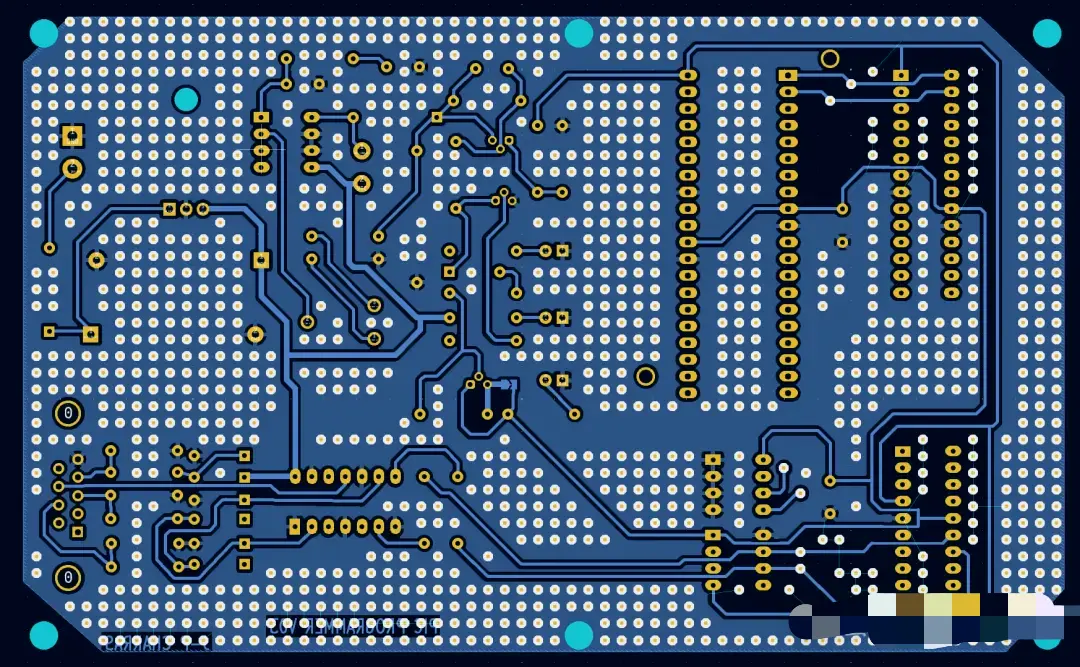
KiCad is a free, open-source EDA suite that has matured into a professional-grade tool. It supports unlimited board size and layer count, hierarchical schematics, interactive routing with push-and-shove, differential pairs, length matching, a solid 3D viewer, and native SPICE simulation via ngspice. Recent versions (KiCad 9 and 10) added jobsets for automated manufacturing outputs, improved zone management, design blocks, better Git integration, and cleaner ODB++ / IPC-2581 export.
Advantages
- Completely free with no commercial-use restrictions or board limits.
- Cross-platform (Windows, macOS, Linux) and offline-first.
- Text-based file formats work cleanly with Git version control.
- Strong community libraries plus easy import from SnapEDA and Ultra Librarian.
- Full manufacturing workflow support: DRC, Gerber, drill, BOM, and pick-and-place export.
Limitations
- Advanced high-speed automation and real-time supply-chain data are weaker than commercial tools.
- Library management and some enterprise collaboration features require more manual effort.
- Interface polish and built-in auto-routing lag behind premium packages for the most complex boards.
For most multilayer designs up to moderate complexity, KiCad produces manufacturing-ready files that fabs accept without issue. The complete flow—design → DRC → Gerber/drill/BOM/PnP → DFM review—works reliably when engineers apply proper design rules from the start.
KiCad vs Altium Designer Cost
KiCad costs nothing. Altium (now delivered primarily through Altium Develop and higher tiers) typically starts around $1,990–$2,000 per year for the first design seat and rises with additional seats or advanced modules. Full professional seats often fall in the $4,000–$7,500 range depending on region and options. Over several years the difference funds multiple prototype spins or an extra engineer.
Features
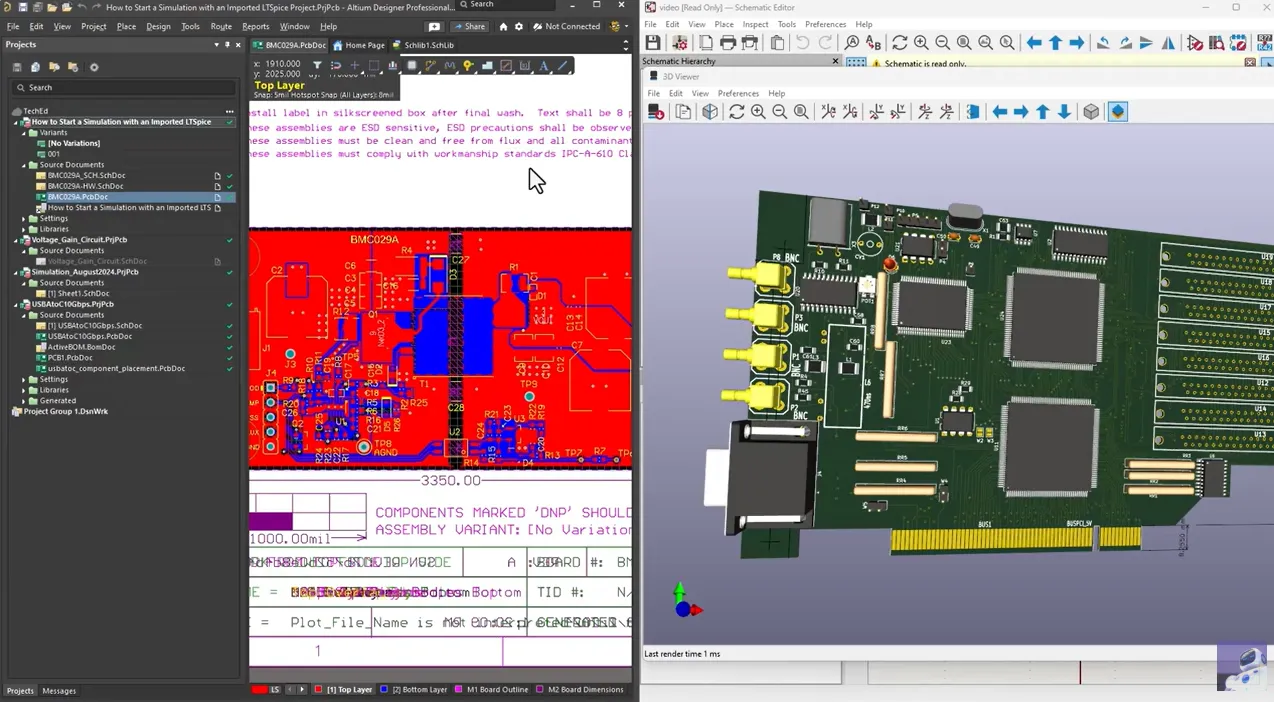
Both tools handle schematic capture, multilayer layout, 3D visualization, and manufacturing outputs. Altium leads in unified environment experience, advanced high-speed constraint management (length tuning, impedance control, xSignals), real-time component availability via supply-chain integration, and cloud collaboration through Altium 365. KiCad covers the same core tasks for the majority of boards and produces standard Gerber, drill, BOM, and pick-and-place files that any fabricator can use. Where Altium saves time is dense high-speed digital, rigid-flex, or multi-board systems that benefit from tight ECAD-MCAD co-design and automated rules.
Target users
Altium suits professional teams and companies that need enterprise workflows, regulated-product traceability, or the highest routing productivity on complex boards. KiCad suits individuals, startups, open-source hardware projects, and cost-sensitive teams that still require professional results. Many engineers learn on KiCad and later move to Altium when project complexity or company policy demands it; the fundamental PCB skills transfer directly.
From a manufacturing perspective, both tools can generate clean fabrication packages. The difference appears in how easily engineers enforce DFM rules early. Altium's richer constraint system helps catch issues sooner; KiCad relies more on the designer setting correct design rules and running thorough DRC before export.
KiCad vs Eagle
Eagle historically offered a gentle learning curve and strong hobbyist libraries. After Autodesk acquisition it moved to a subscription model and is being discontinued as a standalone product (end-of-life around mid-2026). Full capability now lives inside Fusion 360 Electronics and requires a paid subscription.
Workflow comparison
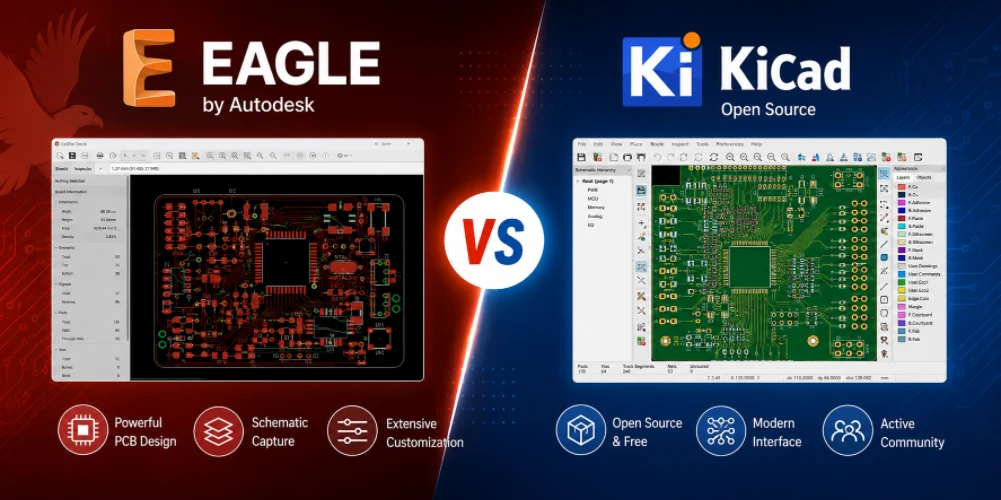
KiCad uses separate but tightly linked schematic and PCB editors with modern interactive routing, hierarchical sheets, and text-based files. Eagle's classic single-window feel and ULP scripting appealed to many makers, and Fusion integration adds strong MCAD linkage. However, KiCad has closed most of the usability gap while removing every board-size and layer limit that restricted Eagle's free tier. Exporting manufacturing files is straightforward in both, but KiCad's open formats and active development give longer-term stability.
Community support
Eagle once dominated maker libraries (Adafruit, SparkFun). KiCad's community has grown rapidly; official libraries continue to expand, and third-party sources plus Python scripting provide equivalent or better coverage for most parts. Git-friendly files make team sharing simpler than binary Eagle projects.
Engineers still maintaining legacy Eagle designs can import them into KiCad. For new work, the lack of artificial limits and zero ongoing cost make KiCad the clearer long-term choice for most users who previously relied on Eagle.
Which PCB Design Software Should Beginners Choose?
Beginners should start with KiCad. It is free, imposes no board-size or layer limits, and teaches the same core workflow used in professional environments: schematic capture → footprint assignment → layout with design rules → DRC → manufacturing outputs. The skills transfer directly to Altium later if needed.
Avoid beginning with expensive commercial tools unless a company or university already provides the license. Eagle's free tier limitations and uncertain future make it a poor long-term investment. Browser-based alternatives can feel easier for the first simple board, but they often lock users into specific supply chains and do not build the same transferable design discipline.
Practical advice for first projects:
- Set realistic design rules early (clearance, trace width, via size) based on your PCB manufacturer's capabilities.
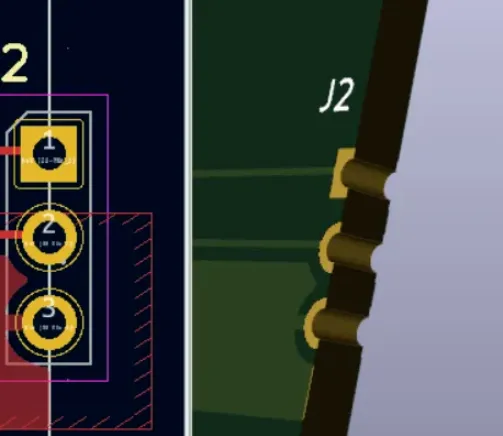
- Use the 3D viewer to catch mechanical conflicts before ordering.
- Always run full DRC and generate a complete manufacturing package (Gerbers, drill files, BOM, pick-and-place) even for prototypes.
- Keep custom libraries organized from day one.
This approach produces boards that pass fab DFM checks and reduces costly respins.
Choosing a PCB Manufacturer After Designing with KiCad
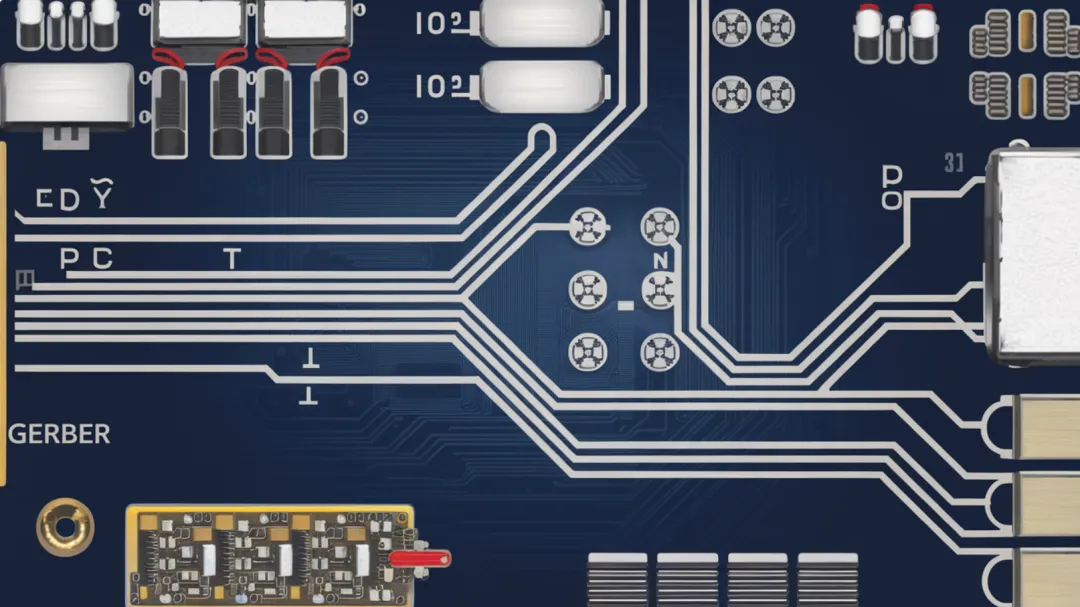
Manufacturing compatibility matters more than many designers realize. Incomplete or non-standard Gerber layers, missing drill files, incorrect aperture definitions, or poorly formatted BOMs cause delays, extra charges, or failed boards. Professional engineers treat the final export step as part of the design process: verify every layer, check stack-up notes, and confirm that pick-and-place data matches the silkscreen and polarity marks.
After finishing a KiCad design, the standard sequence is:
- Run Design Rule Check and fix all errors/warnings.
- Generate Gerber and drill files with consistent naming and format (usually RS-274X).
- Export BOM and pick-and-place (centroid) files.
- Perform a visual or automated DFM review against the fabricator's capabilities.
- Submit the package for fabrication and, if needed, assembly.
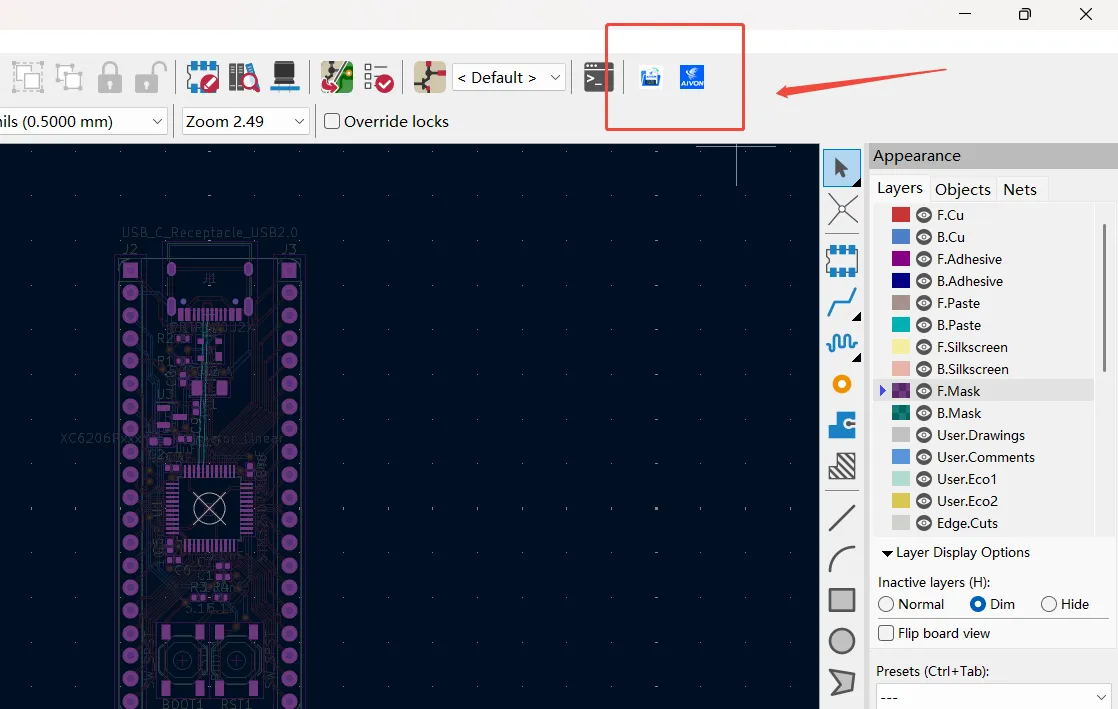
With the AIVON KiCad plugin, the last step becomes significantly simpler. Engineers can click the plugin button inside KiCad and jump directly to the ordering page—no need to manually package or re-upload Gerber, drill, or BOM files. The plugin carries the design data forward, so the workflow stays continuous from layout to quotation and order. This removes repetitive file handling, reduces the chance of missing layers, and saves time while still allowing a full engineering DFM review before production.
FAQ
Q1: Is KiCad good enough for professional PCB design?
A1: Yes for the majority of commercial products. KiCad handles multi-layer boards, differential pairs, length matching, and generates industry-standard manufacturing files. Extremely dense high-speed or highly regulated designs may still benefit from Altium's advanced constraint and collaboration tools.
Q2: How much does Altium Designer cost compared to KiCad?
A2: KiCad is free. Altium subscriptions typically start near $2,000 per year for a basic professional seat and can exceed $5,000–$7,500 depending on options and team size. The long-term cost difference is substantial for individuals and small teams.
Q3: Can I import Eagle designs into KiCad?
A3: Yes. KiCad includes an Eagle importer. Most schematic and board data transfers successfully, though some library or custom ULP elements may need manual cleanup. This path is recommended for users leaving Eagle before its end-of-life.
Q4: What files do I need to order PCBs from a manufacturer after designing in KiCad?
A4: Gerber files (all copper, solder mask, silkscreen, and board outline layers), NC drill files, a BOM, and a pick-and-place file if assembly is required. Always include a simple README with stack-up and special requirements. Manufacturers such as AIVON review these files during DFM before production.
Q5: Should beginners learn KiCad or start directly with Altium?
A5: Most beginners should learn KiCad first. It removes cost barriers, teaches core PCB principles without artificial limits, and builds habits that transfer to any professional tool. Students or employees with free Altium educational licenses can start there if their curriculum or company requires it.
Choosing the right PCB design software comes down to matching tool capability, cost, and long-term stability to your actual project needs. For most engineers today, KiCad delivers professional results without the licensing overhead, while Altium remains the strong choice when advanced team and high-speed features justify the investment. Regardless of the tool, treat manufacturing file generation and DFM as integral steps—clean exports and early collaboration with a capable fabricator turn good designs into reliable boards.