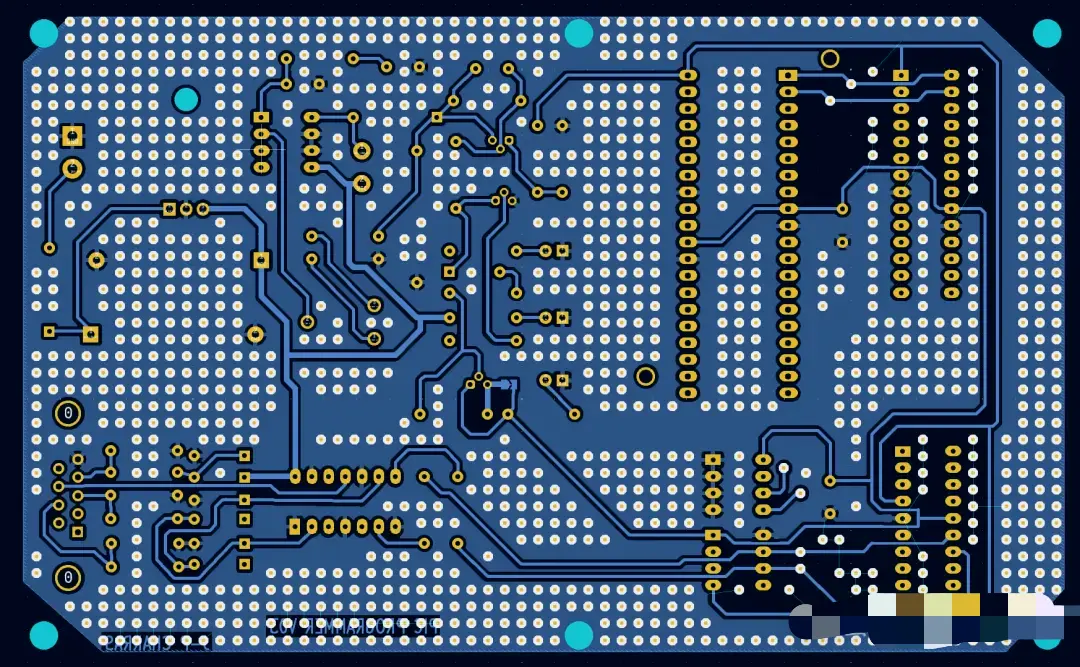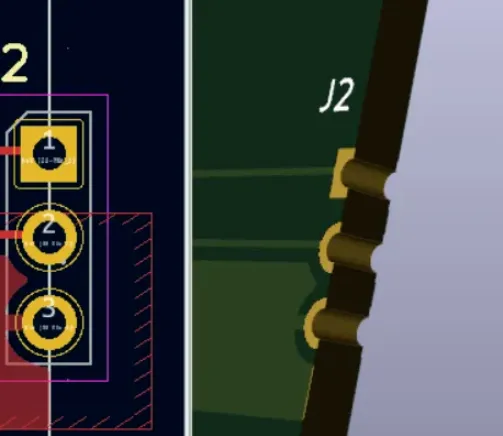





When engineers consider migrating from commercial EDA tools to KiCad, their first concern is often not how to create a new project in KiCad but whether their existing schematics, PCB layouts, and component libraries can continue to be used.
Historically, KiCad's third-party format import capability focused on a few tools such as Eagle and Altium. With KiCad 10, format compatibility has significantly expanded. Importers for Allegro, PADS, gEDA and others have progressively reached stable releases, while importers for DipTrace, OrCAD, Sprint-Layout and more are advancing rapidly in development branches.
Some importers can bring in complete projects and automatically reestablish schematic-to-PCB links; some only import schematics; others only import PCB files. There are also important differences between stable, development, and experimental parsers.
This article uses KiCad 10.0.5 stable as the baseline and references development progress visible in KiCad 10.99/master to systematically summarize third-party EDA import capabilities. The figure below summarizes current importers:
Note: Stable support = explicitly listed in KiCad 10 public documentation; development merged = visible in 10.99/master announcements or source; experimental/unpublished = not a formal compatibility guarantee.
As of this survey, KiCad 10 stable publicly supports roughly 7 complete project import types, 8 schematic formats, and 13 PCB formats. The development branch continues to fill gaps for OrCAD, DipTrace, legacy Eagle Binary, Sprint-Layout and others.
Three Import Modes
Third-party EDA import in KiCad can be categorized into three levels.
1. Complete Project Import
The KiCad project manager reads the source project and imports both schematics and PCB, attempting to reestablish links between them. This mode is best for full migrations because reference designators, nets, and project structure are more likely to be preserved.
2. Schematic Import
Only the third-party schematic file is read and converted to KiCad's .kicad_sch format. Note that schematic import typically replaces the current schematic rather than merging with an existing one.
3. PCB Import
Only the board-level design file is read to create a new KiCad PCB. This mode is suitable when preserving the PCB history alone is desired, and it applies to formats (such as some Allegro cases) for which only PCB import is supported in the stable release.
Which Formats Support Complete Project Import-
Complete project import is valuable because it reduces the risk that the schematic is imported but the PCB cannot be reconnected to its nets. However, a complete import does not guarantee a 100% lossless conversion. Advanced rules in Altium, complex differential-pair settings, mechanical layer usage, and special objects may have no direct equivalents in KiCad.
Which Schematic Formats Does KiCad Support-
There are two common misconceptions to avoid.
First, importing an LTspice schematic does not equal migrating the LTspice simulation environment. Topology can be preserved, but models, simulation directives, waveform settings, and some behavioral devices will need manual reconfiguration.
Second, external symbol libraries are critical. For formats like gEDA and Lepton EDA, if you import only the .sch file but lose the associated .sym files, import quality will be significantly degraded.
After schematic import, run ERC immediately and focus on these checks:
- Inter-page connections and hierarchical ports are correct;
- Power symbols and hidden power pins are converted properly;
- Multi-unit device unit numbering is consistent;
- Pin numbers, electrical types, and net labels have not changed unexpectedly;
- Reference designators between schematic and PCB can be rematched.
Which PCB Formats Does KiCad Support-
KiCad 10 stable supports migration from the following PCB formats (select list shown visually in original):
KiCad can also read Specctra .ses files; their intended use is to feed external autorouter results back into an existing KiCad PCB.
The new Allegro importer in KiCad 10 is one of the most notable compatibility expansions. The current stable release can read Allegro .brd files and migrate board outline, layers, traces, arcs, vias, padstacks, copper pours, components, nets and parts of constraint information. OrCAD .dsn schematic import and full OrCAD/Allegro project association are currently development-branch capabilities.
PADS ASCII
- PADS Logic schematics use
.ascor.txt; - PADS PCB uses
.asc; - Complete project import depends on matching ASCII files with consistent names.
Although references to PADS binary parsing appear in source and tests, the public stable format list officially commits only to ASCII. For enterprise migration, exporting PADS to ASCII should be the formal workflow rather than attempting native binary files.
Beyond the stable formats, the following importers are rapidly progressing in development: DipTrace, OrCAD Capture, legacy Eagle Binary, Sprint-Layout, and others. This indicates KiCad's goal is shifting from supporting a few mainstream formats to covering EDA data across different eras, vendors, and file generations.
However, development-branch importers typically face three challenges:
- Formats are reverse-engineered from samples, so object coverage depends on sample diversity;
- Format differences between software versions can be substantial;
- Successfully parsing a file does not guarantee complete mapping of design rules and design intent.
Therefore, nightly/development builds are suitable for format validation, legacy project recovery, and migration evaluation, but are not recommended for untested use in production projects.
Which Formats Are Still Unsupported-
Some formats remain unsupported; see the original visual list for specifics. (Examples include certain proprietary or deprecated formats that are not yet covered by KiCad importers.)
"Successfully Imported" Does Not Mean "Ready to Use"
Different EDA tools express the same design objects in different ways.
For example, a single PCB design may include:
- Stackups defined in different manners;
- Complex differential-pair and length-matching rules;
- Vendor-specific padstacks, blind/buried vias, or microvia configurations;
- Special mechanical, assembly layers and board outline objects;
- Copper pours with different priorities and connection behaviors;
- Custom pads, negative-image layers, or rigid-flex regions;
- Constraints, scripts, and simulation settings that cannot be directly mapped to KiCad.
Importers will try to find the closest KiCad object, but they cannot guarantee that all design intent is preserved. A robust migration workflow should include at least the following acceptance steps.
Schematic Checks
- Run ERC;
- Verify inter-page connections, hierarchical ports, and net labels;
- Confirm pin numbers, electrical types, and multi-unit devices;
- Check power symbols and hidden power pins;
- Ensure component parameters and BOM fields are complete.
PCB Checks
- Run DRC;
- Verify copper layer count, stackup and layer mapping;
- Check board outline, slots, keepouts and mechanical layers;
- Validate net classes, differential pairs, trace widths, spacing and via rules;
- Check pad shapes, drill diameters, component sides and rotation angles;
- Refill all copper pours and inspect thermal pads and islands;
- Verify reference designator and net mapping between schematic and PCB and cross-probe relationships.
Migration Documentation
- Keep the original unmodified source project;
- Record source EDA versions and the KiCad import version used;
- Save import logs and error messages;
- Create a list of required manual edits;
- Perform visual and electrical comparisons of critical boards between the original files and the KiCad results.
Summary
KiCad's third-party format import capability has expanded from earlier support for Eagle and Altium to include Allegro, PADS, CADSTAR, EasyEDA, gEDA, P-CAD and multiple other EDA ecosystems.
Three key conclusions from a practical perspective:
1. KiCad now has substantial capability for migrating legacy projects.
For Altium, Eagle, PADS ASCII, CADSTAR Archive, EasyEDA and gEDA, the stable release can already cover the main needs for importing complete projects, schematics, or PCB layouts.
2. KiCad's support for the Cadence ecosystem is rapidly improving.
Allegro PCB import has reached the stable branch; OrCAD Capture schematic import and DSN/BRD project association are advancing in the development branch.
3. Importers solve data migration, not automatic acceptance.
No matter the source EDA, successfully opening a file should not be equated with the design being fully correct. ERC, DRC, stackup, rule, netlist, footprint and copper-pour checks remain essential parts of any migration.
As more importers land on the main branch, KiCad is becoming a more open EDA data platform. Future migration decisions will focus not only on whether migration is possible, but on how to complete migration with lower risk and higher efficiency.