




 19:28
19:28
KiCad
KiCad stands as a premier open-source tool for electronic design automation, empowering engineers, hobbyists, and educators to create sophisticated printed circuit boards without the constraints of proprietary software. This tag gathers a collection of in-depth articles focused on KiCad's capabilities, from fundamental schematic design to advanced PCB layout and manufacturing preparation. For those searching for KiCad resources, these pieces offer practical guidance tailored to real-world applications, such as optimizing workflows for faster prototyping or integrating simulation tools to verify circuit performance before production. One of the key advantages of KiCad lies in its accessibility and robust feature set, including hierarchical schematics, 3D visualization, and extensive libraries of components. Users often turn to this tag for actionable insights, like step-by-step tutorials on routing complex multilayer boards or best practices for minimizing electromagnetic interference in high-speed designs. Whether you are troubleshooting common errors in footprint assignment or seeking ways to automate repetitive tasks with scripts, the content here draws from expert experiences to help you achieve reliable results efficiently. Professionals appreciate KiCad for its compatibility with industry standards, enabling seamless collaboration and export to formats used by major fabricators. Beginners, meanwhile, can find strategies to build skills progressively, starting with simple single-layer projects and advancing to intricate designs incorporating microcontrollers or RF elements. By delving into these articles, you can uncover techniques that enhance your productivity, such as leveraging version control for team-based development or customizing the user interface for personalized efficiency. This curated selection supports a wide range of electronics projects, ensuring that your search for KiCad knowledge leads to tangible improvements in your design process.
Video Guide
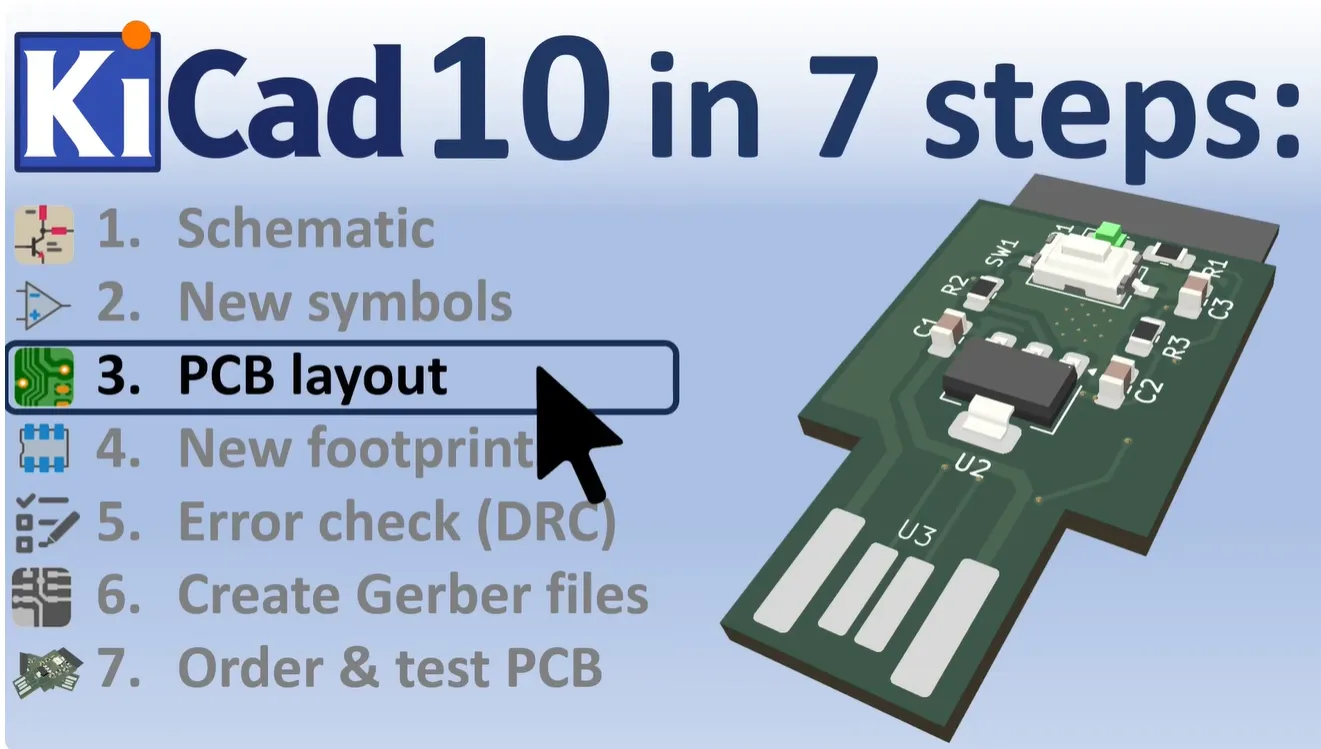

Technical Articles
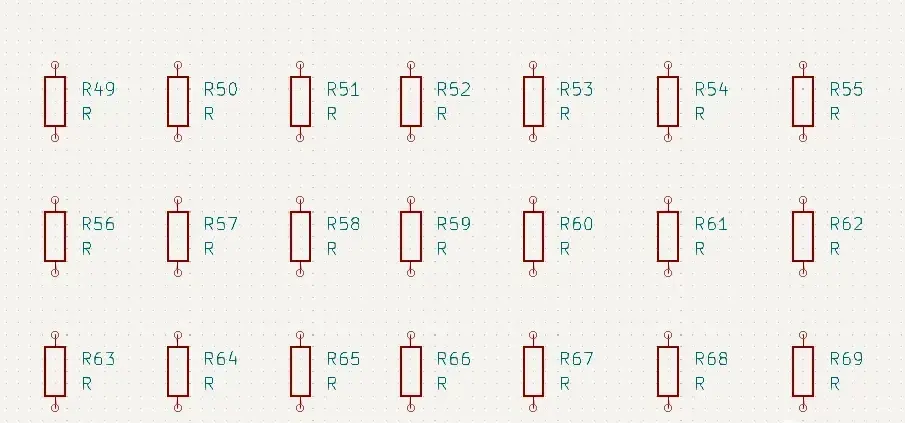
How to Continuously Place the Same Symbol in a KiCad Schematic

Adding Via Stitching in KiCad with the kicad-action-scripts Plugin
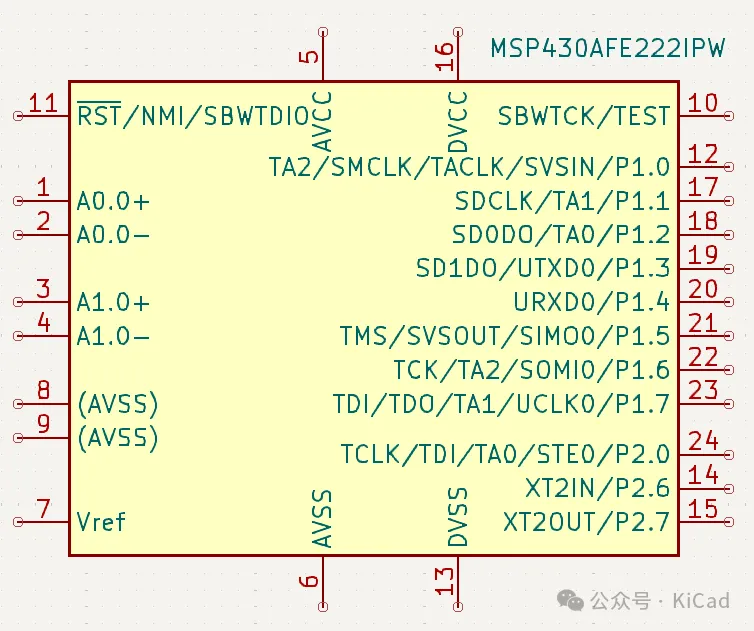
Using Alternate Pins in KiCad
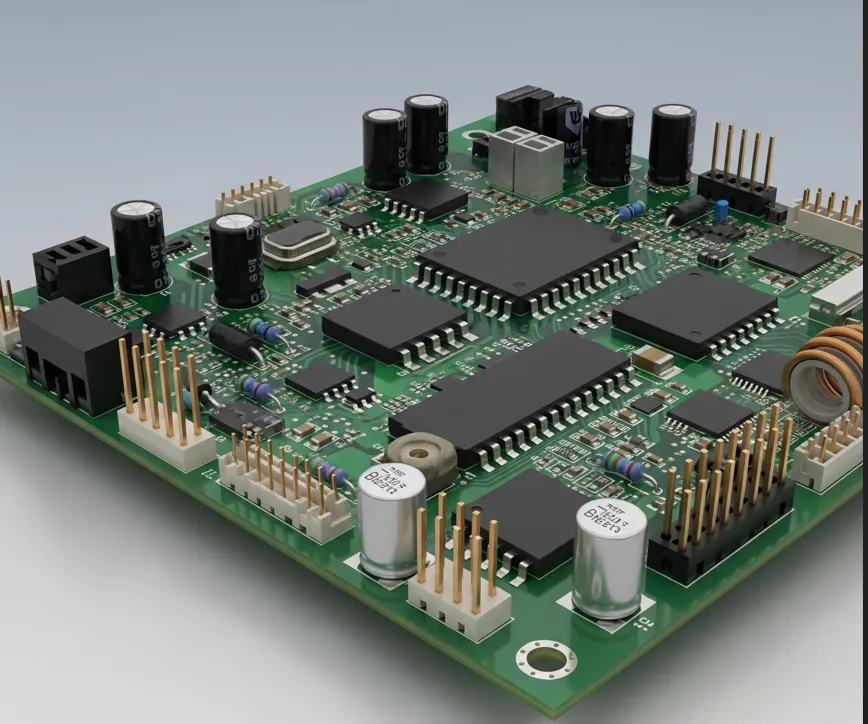
Mastering KiCad 3D Models: Linking Footprints, Embedding Files, Ray Tracing, and CLI Exports
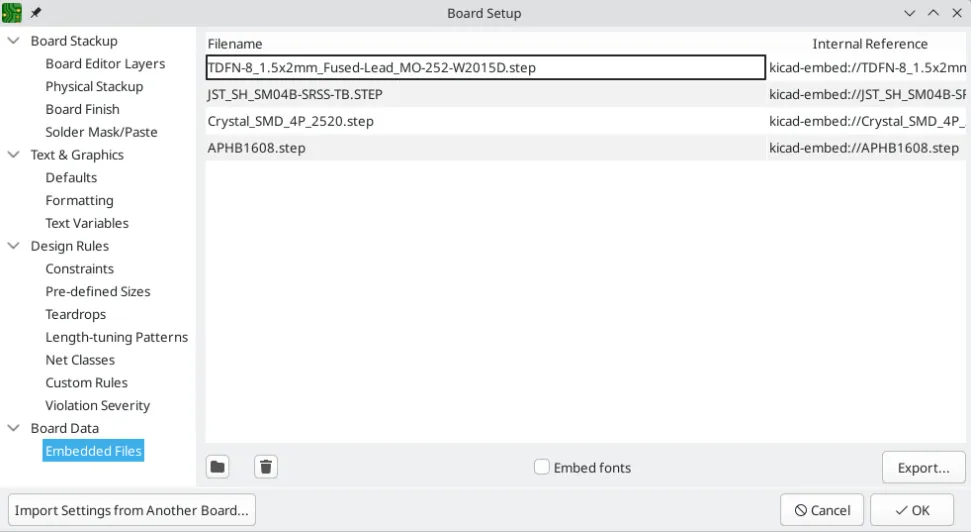
File Embedding Explained (Part 1): Embedding 3D Models in PCB Footprints

Defining and Using Differential Pairs in KiCad
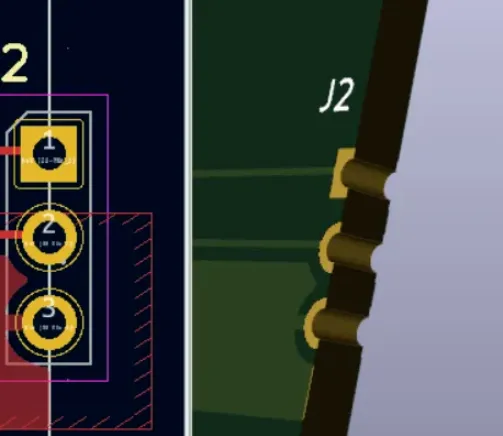
Designing PCB Castellated Holes with KiCad
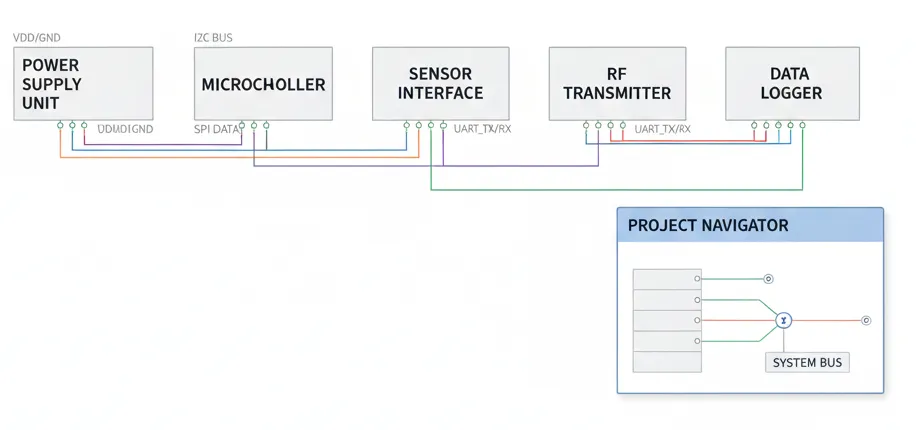
KiCad Finally Supports Flat (Tiled) Schematic Structure!
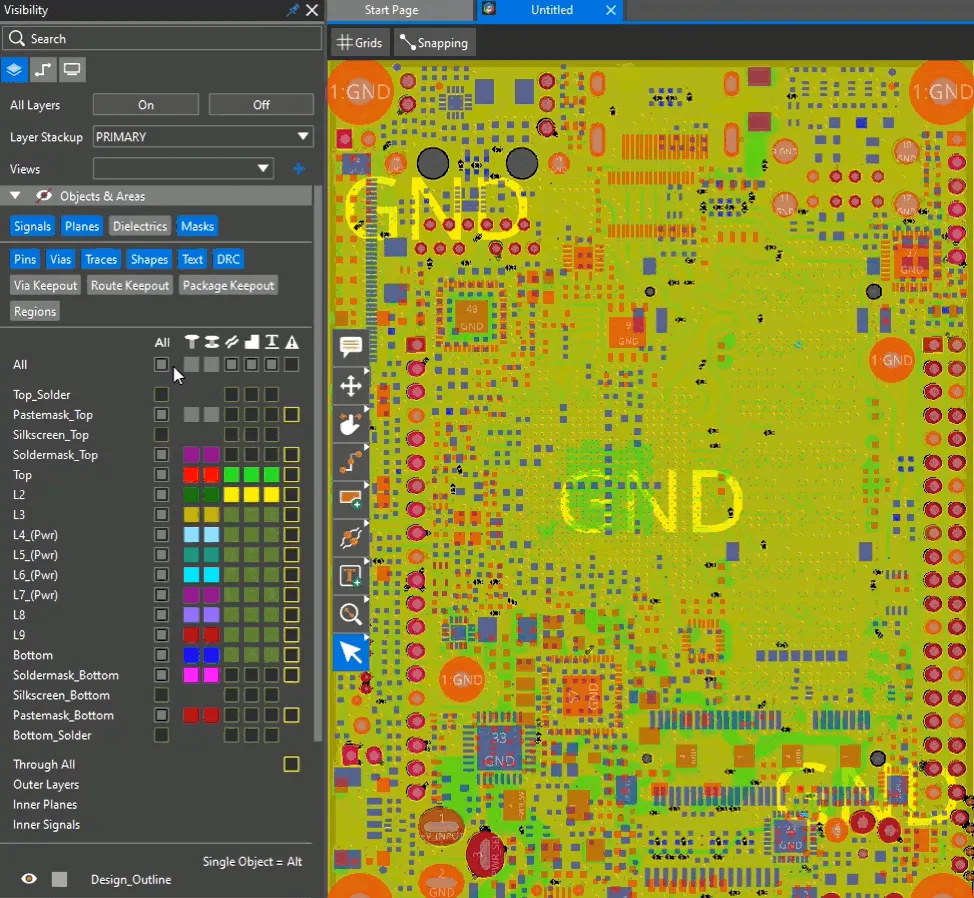
From Altium to Allegro: Which EDA Formats Can KiCad Import?
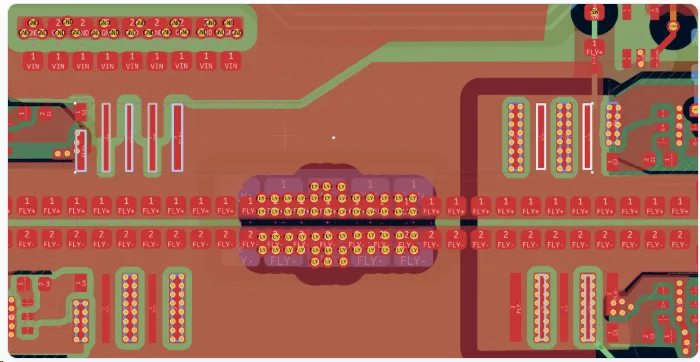
Fill Resistance Plugin: Measured Copper Pour Resistance and PDN Voltage Drop
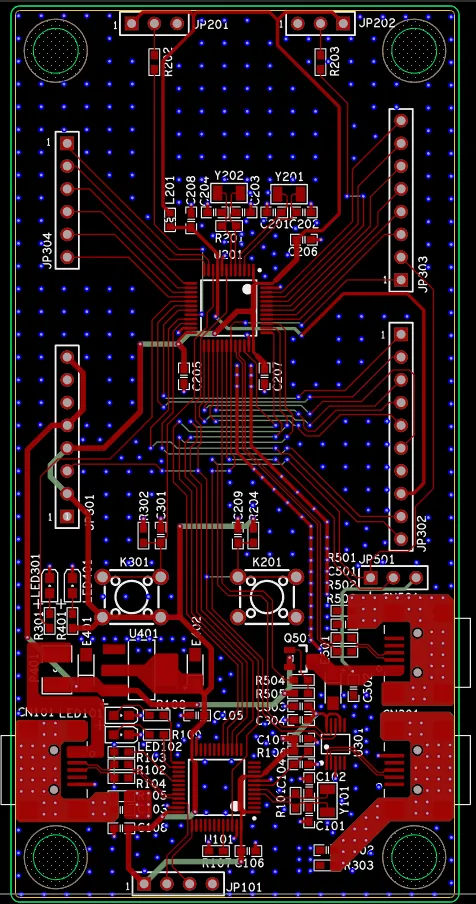
Will AI Replace PCB Engineers?
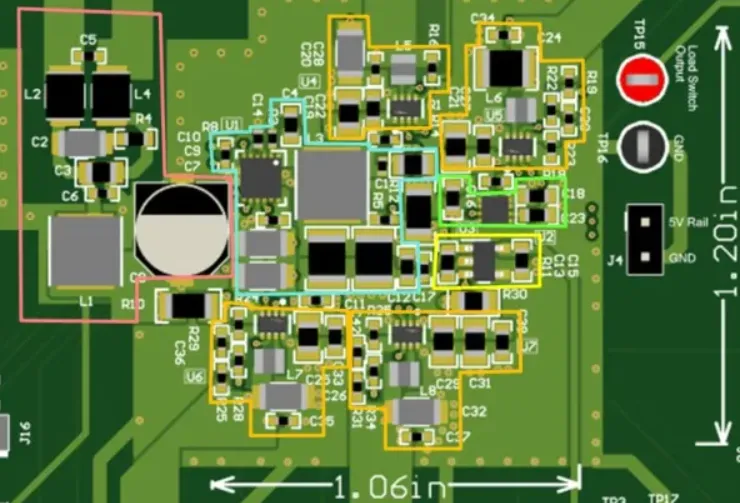
PCB Design Software for Automotive Infotainment: A Comparison

What Is KiCad? A Complete Introduction to Open Source PCB Design Software
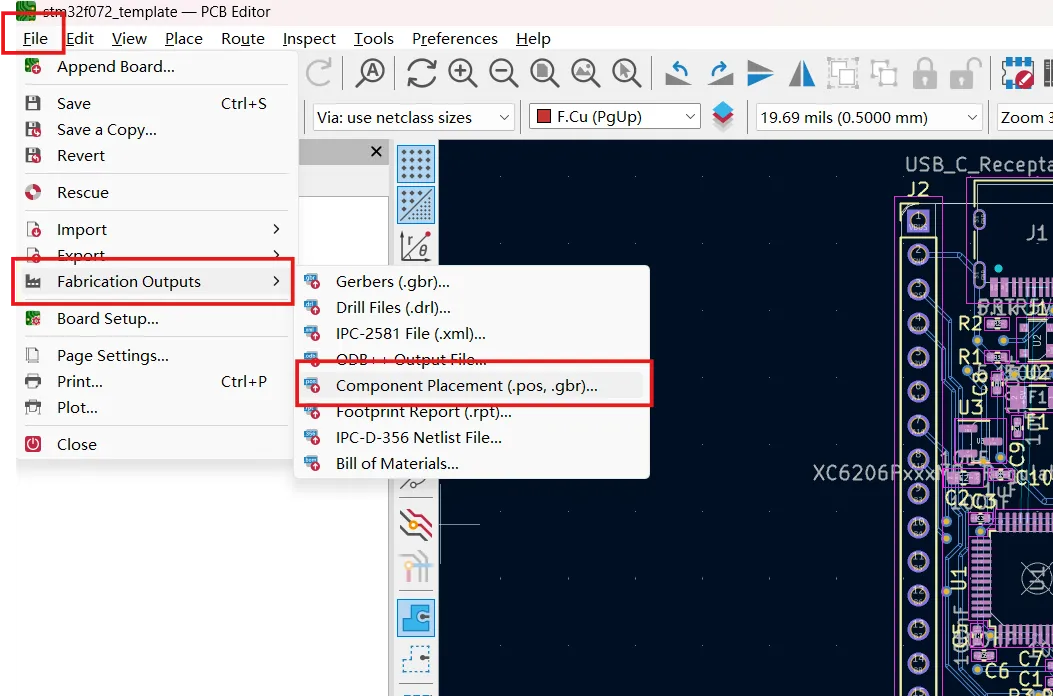
Generating Pick-and-Place Files in KiCad: Complete SMT Assembly Guide
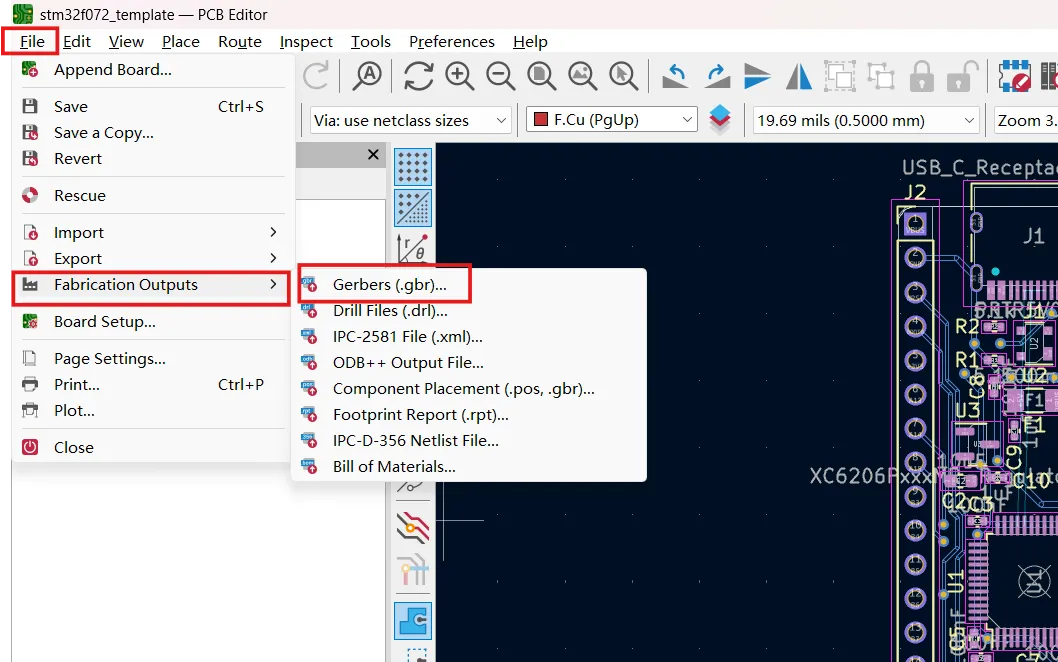
How to Export Gerber Files from KiCad for PCB Manufacturing

How to Order PCBs Directly from KiCad: Complete Manufacturing Workflow
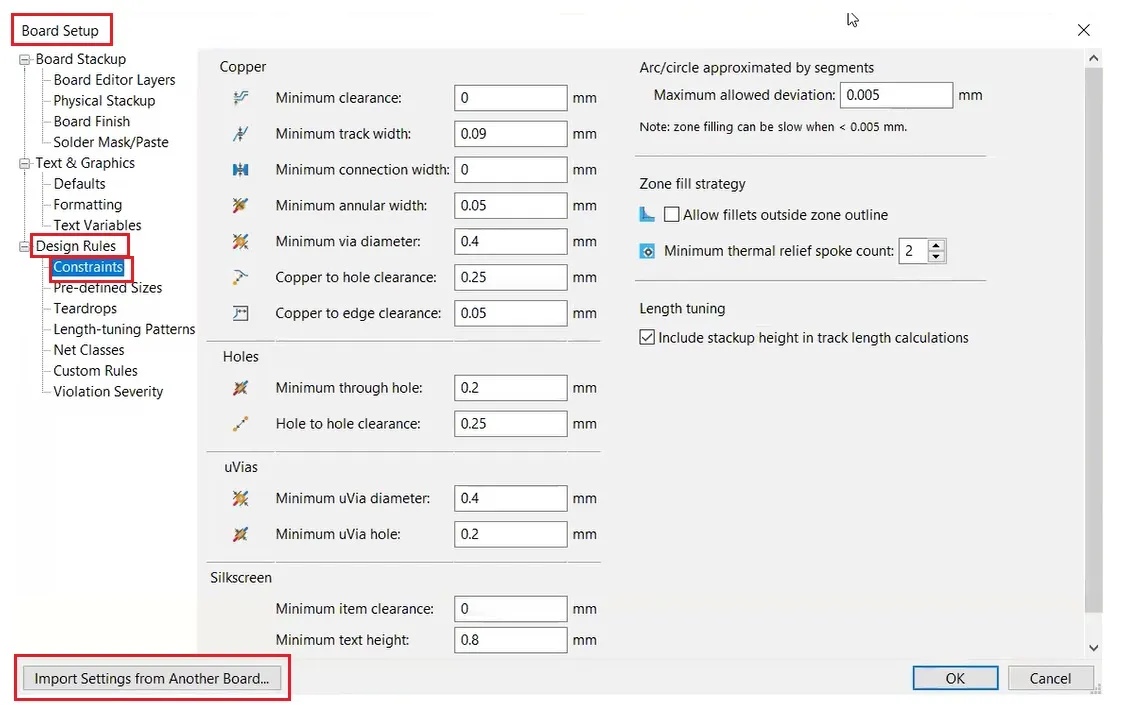
KiCad PCB Design Rules: How to Prepare Your Board for Manufacturing
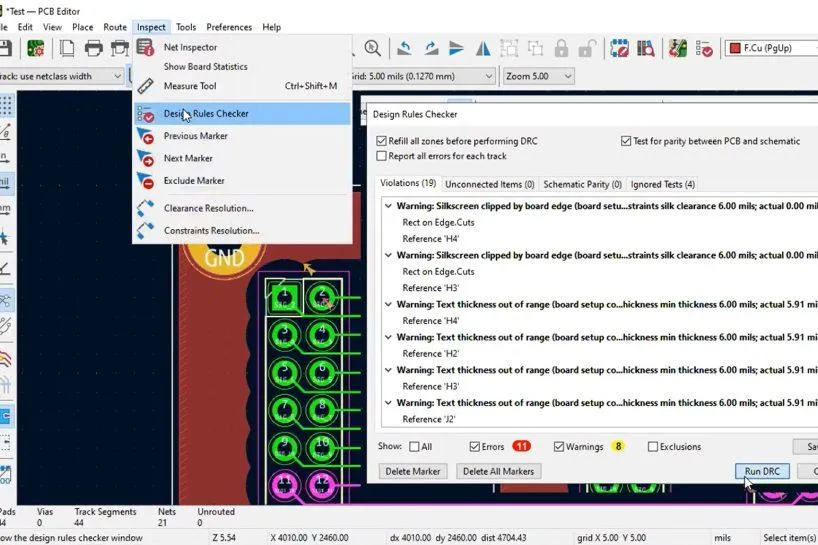
KiCad Manufacturing Checklist: 10 Things to Check Before Ordering PCB
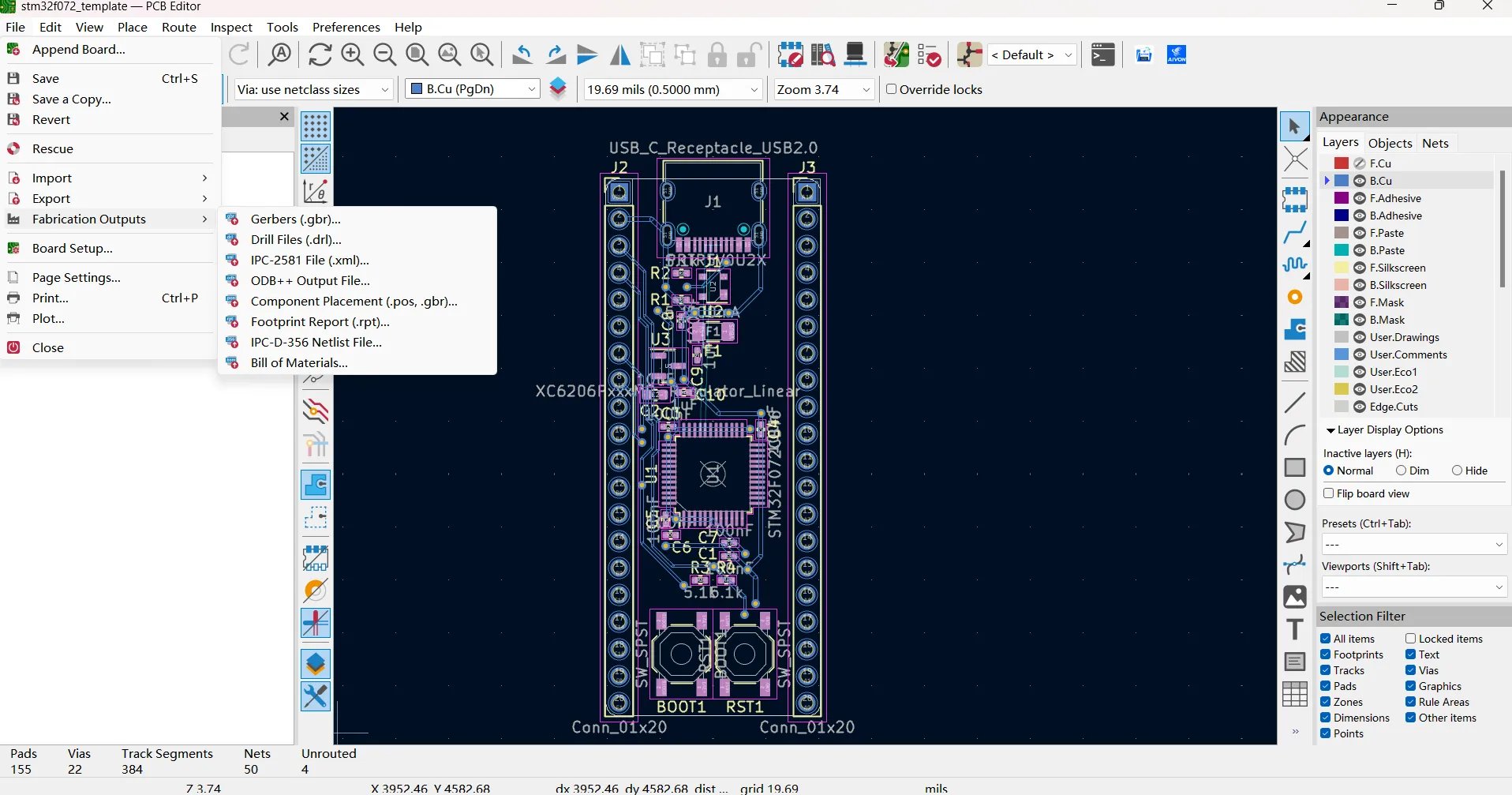
How to Prepare KiCad Files for PCB Assembly: Gerber, BOM and Pick-and-Place Guide